

Android 11-based OxygenOS Open Beta arrives for OnePlus Nord
The OnePlus Nord has started receiving the first Open Beta build of Android 11-based OxygenOS 11. Currently, the update is rolling out to the Indian and Global variants of the phone and will shortly reach the European units.
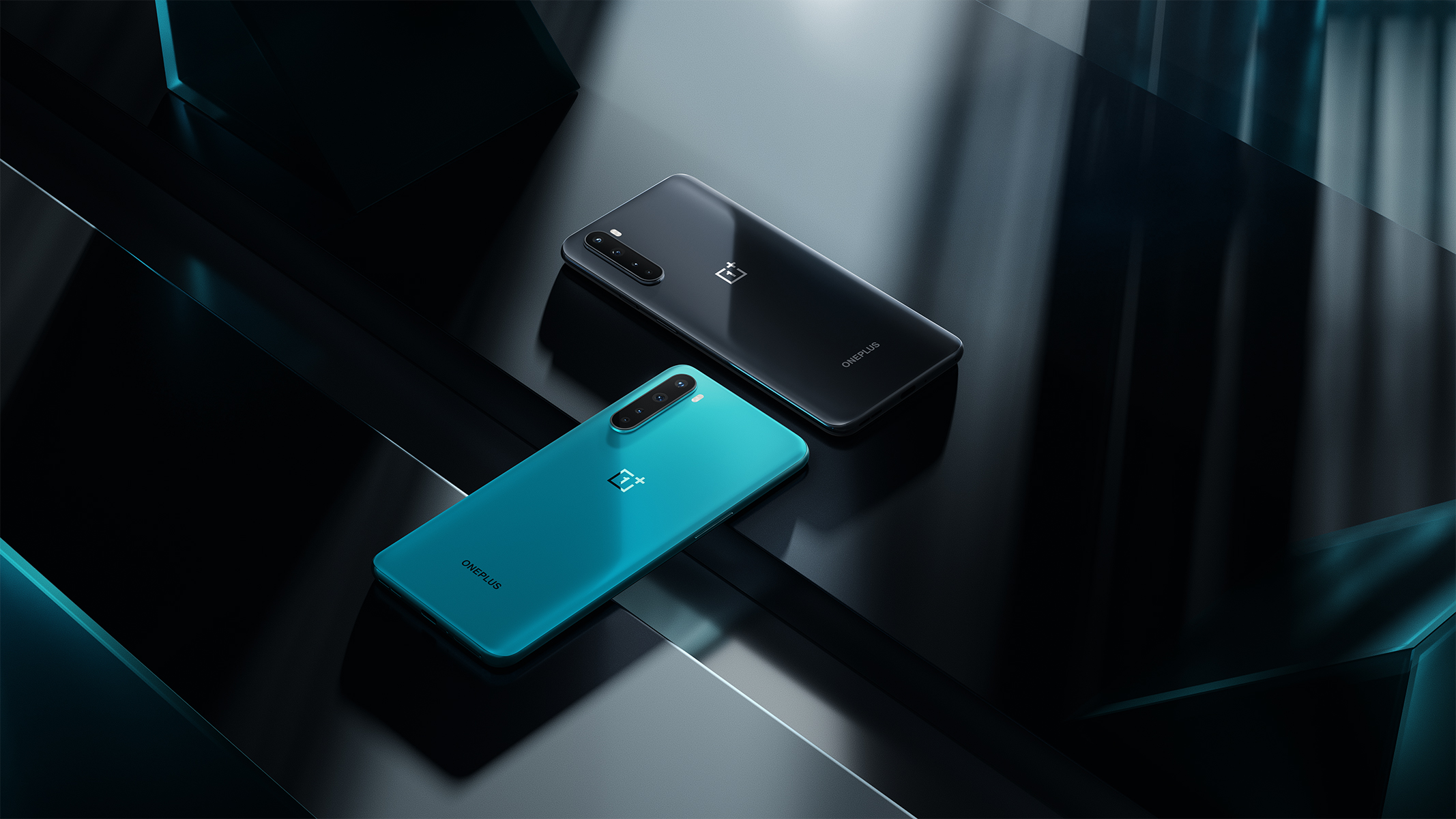
The OnePlus Nord has started receiving the first Open Beta build of Android 11-based OxygenOS 11. Currently, the update is rolling out to the Indian and Global variants of the phone and will shortly reach the European units.
Announcing the update on the OnePlus forums, the company said that this open beta update may be less stable than stable MP builds (stable official versions).
"Please keep in mind that this is beta software. These builds are not as stable as our official OTAs. By installing this update, you accept the potential risks," the company said in a post on the OnePlus forums.
OnePlus noted that the upgrade will not erase data but users are recommended to make a full system back-up before proceeding. Additionally, the battery level should be above 30% and a minimum of 3GB of storage space should be available before installing the build.
Here's the complete update changelog:
System
- Update to Android 11 version
- Fresh new UI visual design brings you a more comfortable experience with various optimizations of details
- Optimize the stability of some third-party applications and improve user experience
Ambient Display
- Newly added Insight clock style, a joint creation with Parsons School of Design. It will change according to the phone usage data ( To set: Settings > Customization > Clock Style)
- Added Canvas feature that can automatically draw a wireframe picture based on a lock screen photo on your phone(Path:Settings-Customization-Wallpaper-Canvas-Choose photo preview and it can be generated automatically)
- Newly added 10 new clock styles ( To set: Settings > Customization > Clock Style)
Dark Mode
- Added the shortcut key for Dark Mode, pull down the quick setting to enable.
- Supporting automatically turn on feature & customize time range. path: Settings – Display – Dark Mode – Turn on automatically – Automatically enable from sunset to sunrise / Custom time range
Shelf
- Newly shelf interface design, the interface is clearer
- Added weather widget, animation effect smarter
Gallery
- Supporting Story function, automatically form weekly videos with photos and video in storage
- Optimize the loading speed of the gallery, and the image preview is faster


 Google News