



Here's how to join or create a Space on Twitter
Spaces are public, so anyone can join, listen, and speak in a space on Twitter for iOS and Android. Twitter says it is currently working on building the ability to participate in a space on twitter.com.
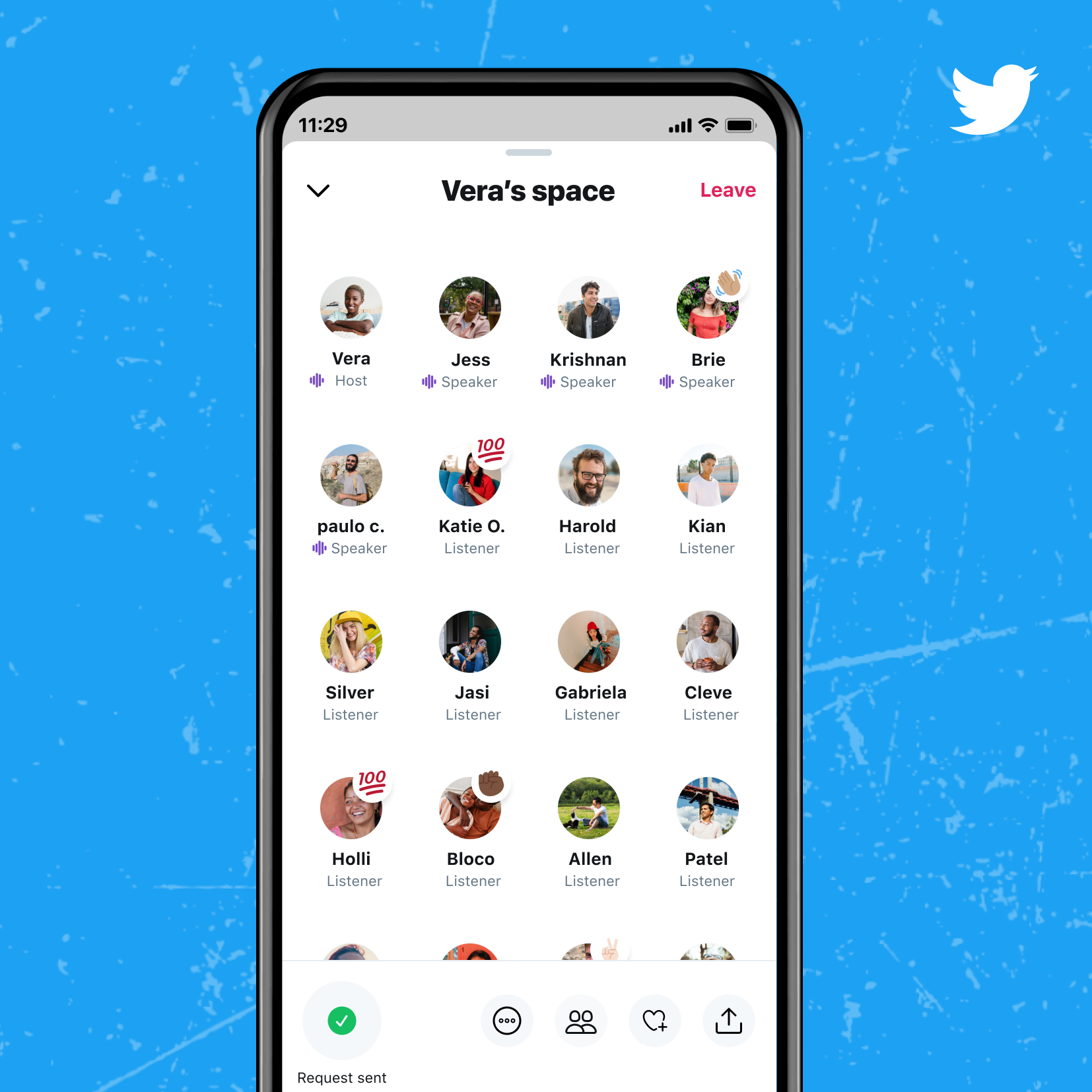
Twitter has added the ability to host Spaces, its live audio conversation feature, to all accounts with 600 or more followers. Introduced last year, the feature unlocks real and open conversations - small and intimate conversations with just a few others or for big discussions about what’s unfolding right now with thousands of listeners.
Spaces are public, so anyone can join, listen, and speak in a space on Twitter for iOS and Android. Twitter says it is currently working on building the ability to participate in a space on twitter.com.
How to join or create a Space on Twitter?
To create a Space,
- Tap on the tweet compose button on your Home timeline
- On the far left, tap the new Spaces icon (multiple circles forming a diamond shape)
- You will see options to Name and Start your space
On iOS and Android, when someone you follow starts or speaks in a Twitter Space, it'll appear at the top of your timeline as a purple bubble. You can join Twitter Spaces either as a listener or as a speaker.
- When you join a Space as a listener, you can react to what you hear with emojis, check out any pinned Tweets, follow along with captions, Tweet or DM the Space, or request to speak.
- When you join a Space as a speaker, in addition to talking, you can pin Tweets to the Space, turn on captions, and Tweet the Space so your followers can join.
As a host, you have the ability to control who is speaking, the topics, and the vibe. You can mute speakers and take away their mic, or remove them from the Space completely. Additionally, you can also mute all speakers simultaneously.
It is worth mentioning that Twitter allows anyone to report and block others in Spaces or report the Space itself. Blocked users will not be able to join a Space you host and you will see labels and warnings if you're in a Space where someone you've blocked is a Speaker
Upcoming features
Twitter has also announced a handful of new features that are coming to Spaces. These include:
- Ticket Spaces - It will allow hosts to set ticket prices for Spaces and how many are available to sell. In the coming months, a limited group of users will be able to host Ticketed Spaces.
- Schedule and set reminders - In the coming weeks, this feature will provide the ability to schedule and set reminders for upcoming Spaces so that people don't miss hearing from their faves.
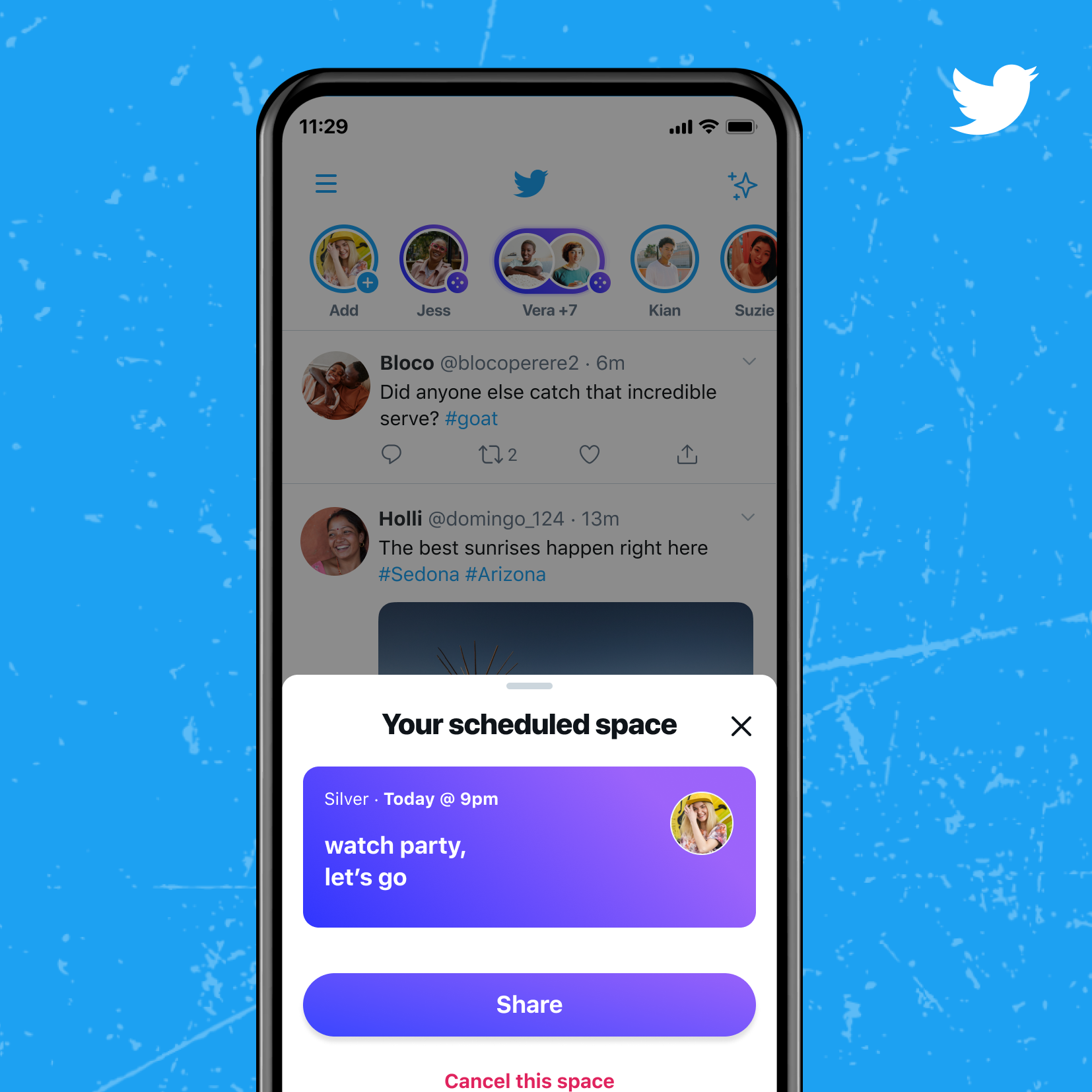
Image Credit: Twitter
- Host with others - It will allow you to co-host Spaces with other people and help manage speakers and participants. You can pass hosting to one of your co-hosts if you need to leave.
- Better accessibility - Improvements to live captions so that they can be paused, customized, and are more accurate.
- More ways to find and drop into Spaces across Twitter - You can join a Twitter Space from a purple bubble around someone’s profile picture in your Home timeline when they're live.
- READ MORE ON:
- Twitter Spaces
- Twitter for iOS and Android


 Google News