



Microsoft Edge 91 brings new shopping features, sleeping tabs improvements
As announced earlier, sleeping tabs, a feature that gives Microsoft Edge a performance boost when using multiple browser tabs simultaneously, has been further improved with up to 82% memory savings while additional improvements will help save system resources on Windows.
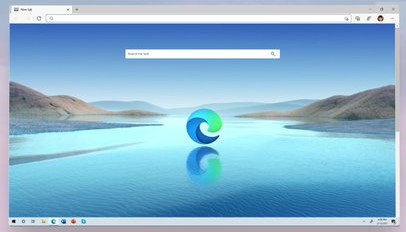
Microsoft is rolling out a new update for its Edge browser with several new features for a more personalized experience. With this release of Edge version 91, the company claims to make Edge the best-performing browser on Windows 10.
"This month, we're excited to announce several new features that highlight why Microsoft Edge is the best browser for shopping. Along with this, we're making Microsoft Edge the best performing browser on Windows 10 with additional improvements this month for sleeping tabs," Microsoft wrote in a blog post.
We take personalization personally. Customize your browsing experience with the latest update. Out now. https://t.co/GRhNnKi7lB pic.twitter.com/tl9TEbJkmE
— Microsoft Edge (@MicrosoftEdge) May 27, 2021
To enhance the online shopping experience on Edge 91, Microsoft has introduced a couple of new features that will help you save both time and money. These include:
Bing Rebates
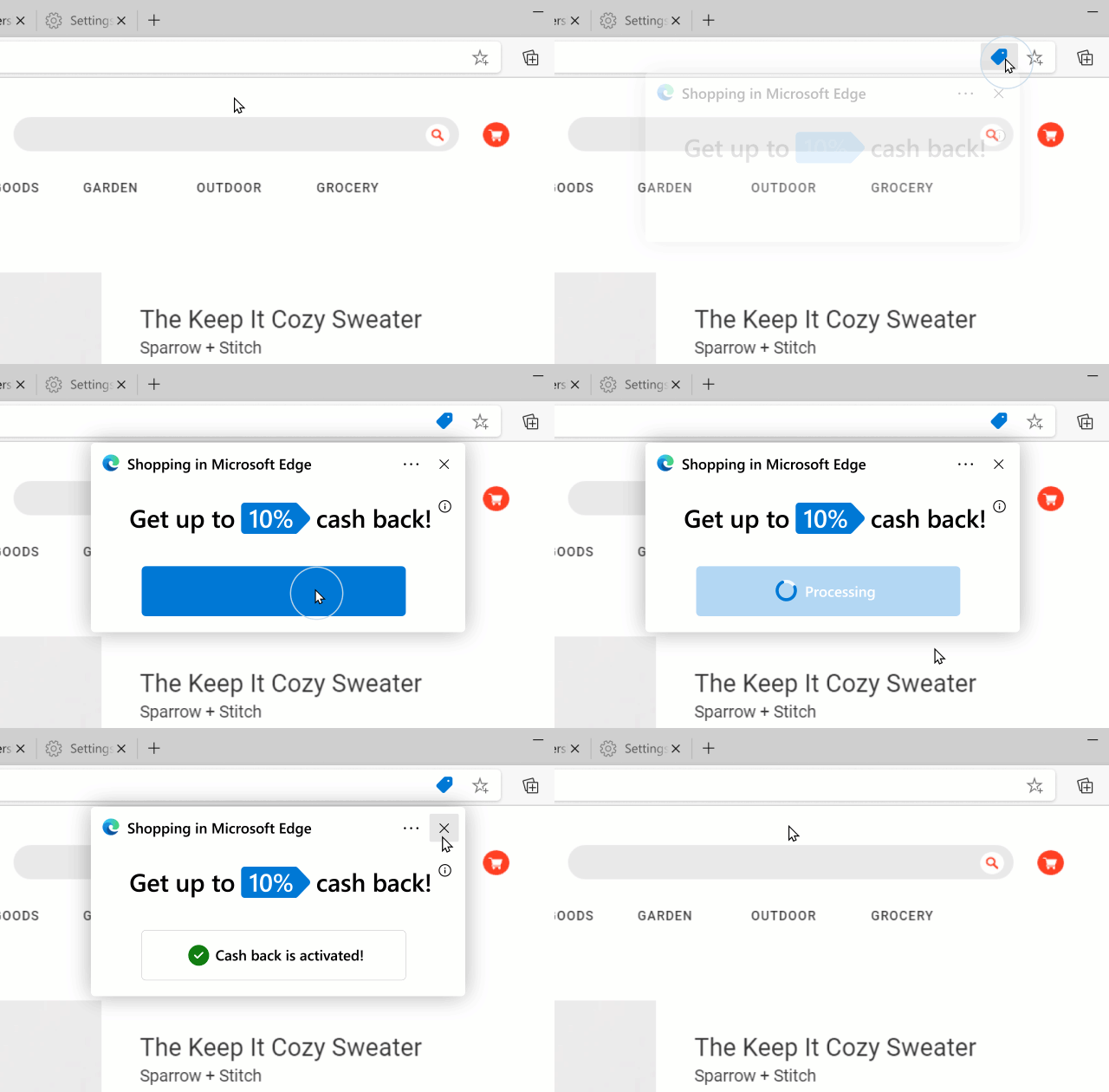
To save money on your purchases, you need to sign in to your Microsoft Rewards account and enable Bing Rebates. Thereafter, you can earn cashback from 1200+ retailers on Bing.com and also shop from 300+ retailers directly on Microsoft Edge to get cashback.
Gif Credit: Microsoft
To view the available Bing Rebates for your purchase, click on the blue tag in the address bar.
Price history
Another feature coming with Microsoft Edge 91 is "price history" which helps you make better decisions by showing price trends for products. Before making a purchase, click on the blue tag to see a product's price history.
 Image Credit: Microsoft
As announced earlier, sleeping tabs, a feature that gives Microsoft Edge a performance boost when using multiple browser tabs simultaneously, has been further improved with up to 82% memory savings while additional improvements will help save system resources on Windows.
Further, Microsoft has made it easier to change up your browser frame and New Tab Page with 10 new color themes in Edge 91. Go to Settings > Appearance page to try them out.
In addition, the new Personalize feature allows you to now tailor the news and headlines you see in the informational view of the Edge New Tab Page. To customize your growing experience, go to the New Tab Page and click Personalize.


 Google News