

Star messages in Google Chat now available on Android and iOS mobile devices
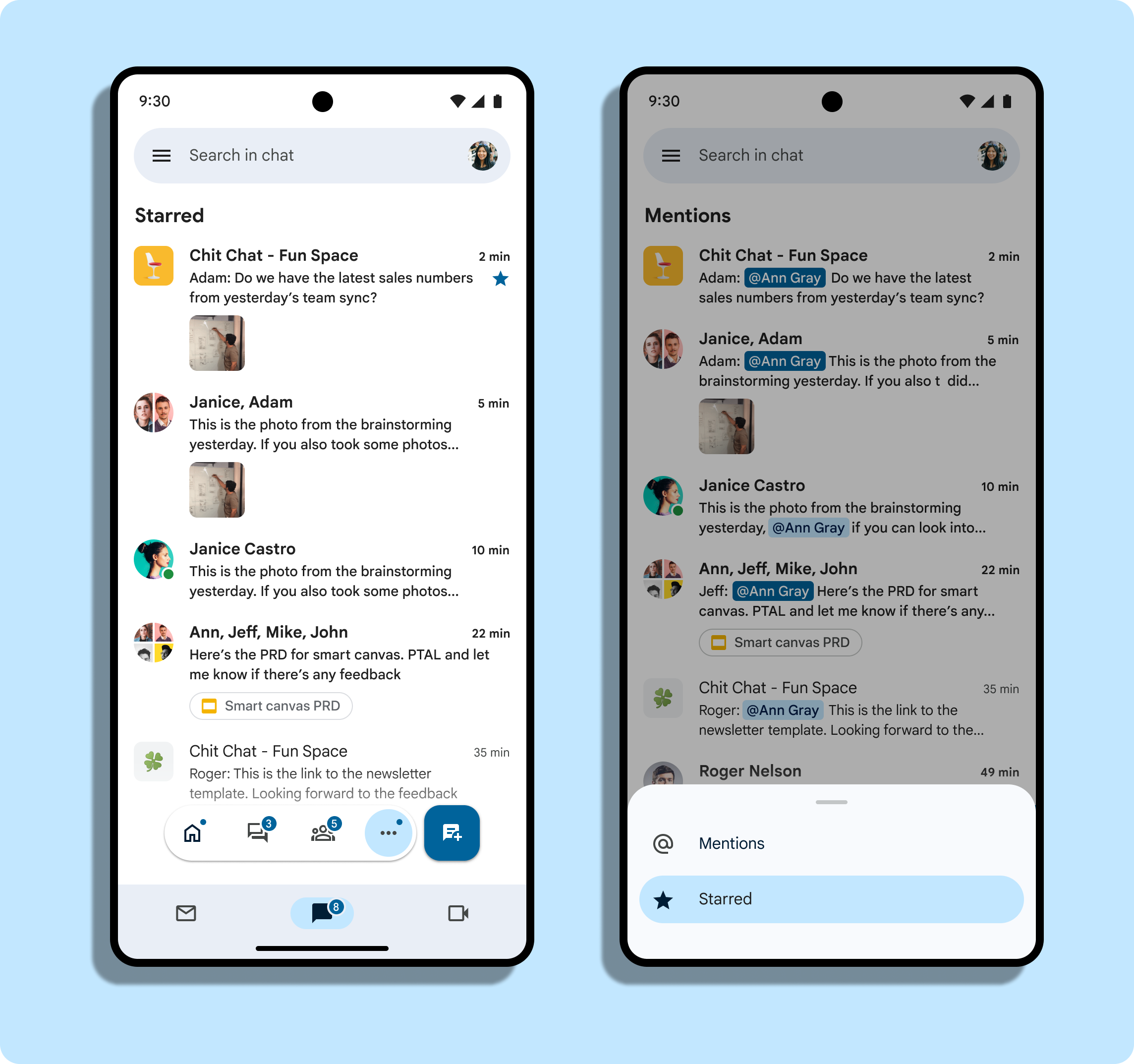
Google is expanding the ability to star messages in Google Chat from the web to Android and iOS mobile devices. Starring messages helps you stay on top of your most important messages, ensuring easy access when you need to come back to them later.
To star a message:
- Open the Chat app or Gmail app on your Android device
- Gmail:At the bottom, tap Chat
- Open a conversation.
- Touch and hold a message.
- Tap Star or Unstar.
To find a starred message, open the Chat app, go to the bottom navigation menu, and tap More (...) > Starred.
You can also unstar a message from the original message or unstar messages from the shortcut. Starring messages are not available in existing spaces organized by conversation topic (legacy threaded).
For Android, the gradual roll-out of Star messages is underway for both Rapid Release and Scheduled Release domains and may take up to 15 days to be fully visible.
For iOS, the gradual rollout of this feature commenced for Rapid Release and Scheduled Release domains on January 16 and may take up to 15 days to be fully visible.
Star messages in Google Chat on mobile will be available to all Google Workspace customers and users with personal Google Accounts.


 Google News