

New Chrome features to add productivity to your day
Google on Thursday announced some new Chrome features that will help you boost your productivity while working from home. These include new PDF features, tab freezing and mute notifications, among others.
Chromes new "link to highlight" feature allows you to share a link for selected text highlighted for the recipient. Just highlight the text, right-click and select the Copy link to highlight option and send the URL. The recipient will see the exact section of the text you highlighted instead of a full article. The new feature is rolling out to desktop and Android with iOS to follow thereafter.
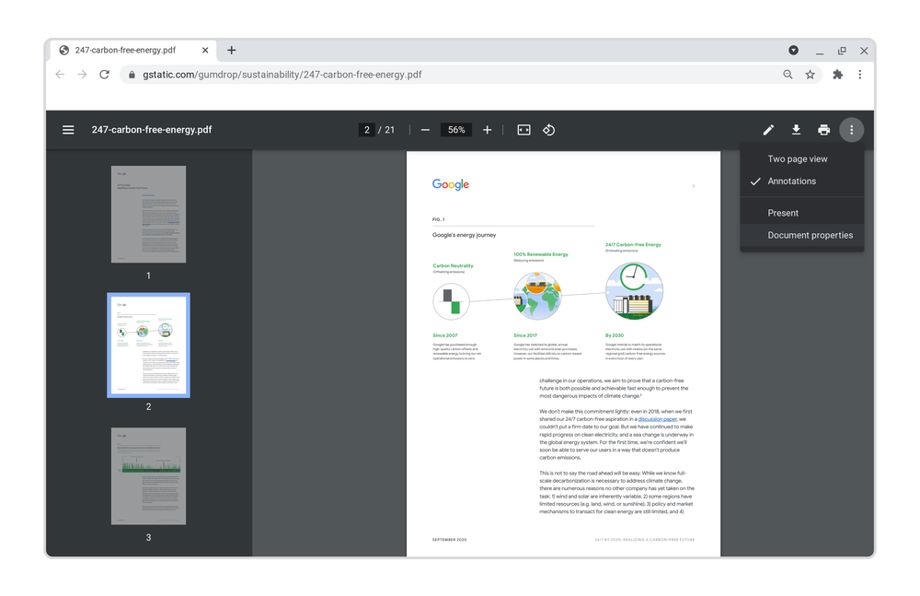
The new PDF reader features include:
- a sidebar to browse the thumbnails and quickly jump to the specific page
- presentation mode that removes the on-screen distractions (toolbars, address bar, tabs)
- document properties, two-page view and an updated top toolbar
Google said that the new performance improvements have decreased Chrome CPU usage, resulting in longer battery life, less fan noise and less heat. For Windows, Chrome OS and Linux, the improvements have resulted in up to 35% reduction in CPU usage and up to 1.25 more hours of battery life while on Android, Chrome starts up 13% faster even with multiple tabs open.
Google will soon be releasing tab freezing for collapsed groups in beta. When tab groups are collapsed, Chrome automatically freezes the tabs so they use less memory and CPU.
Further, when presenting or sharing Chrome windows, the browser now mutes all notifications so that there is less distraction. When done, they unmute.
Other features that are coming to the Chrome browser include:
- 'tab search' to find and close tabs - rolling out to all desktop platforms
- 'tab groups' to organize projects
- custom window names to distinguish between your open Chrome windows
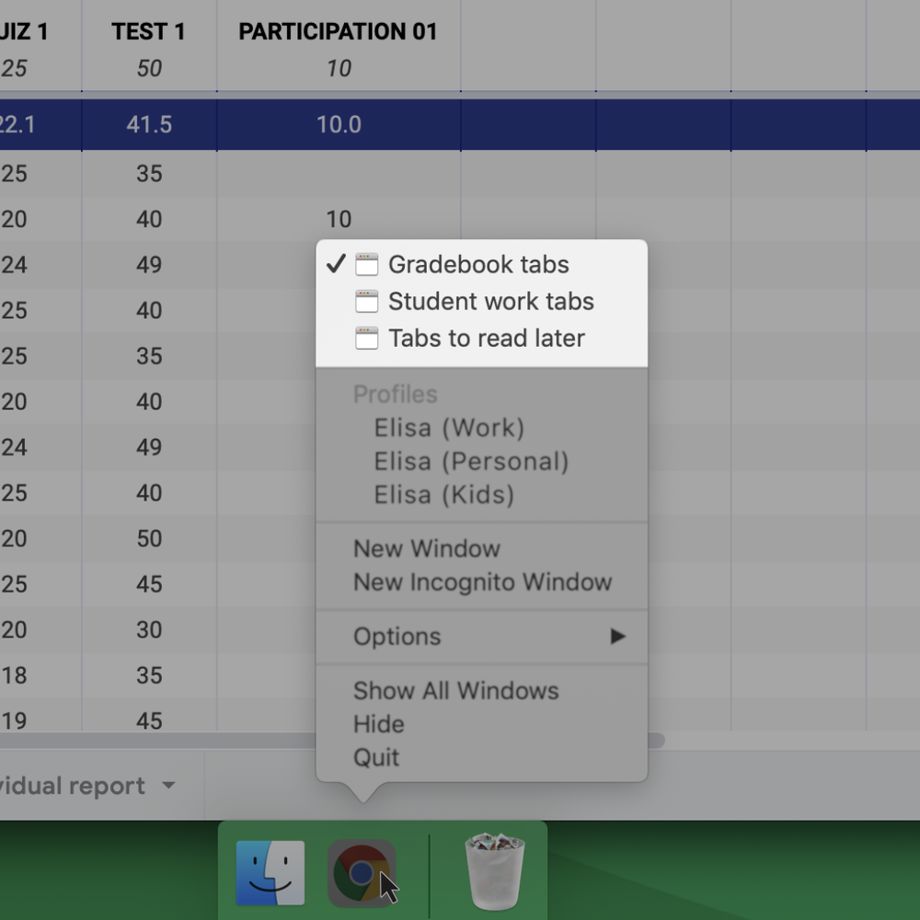
"With custom windows names, when you press alt+tab to switch windows or right-click on a tab and select Move to another window it's easier to distinguish between open windows and you can find what you're looking for faster," Google wrote in a blog post.


 Google News