

You can now create shareable spaces in Google Chat
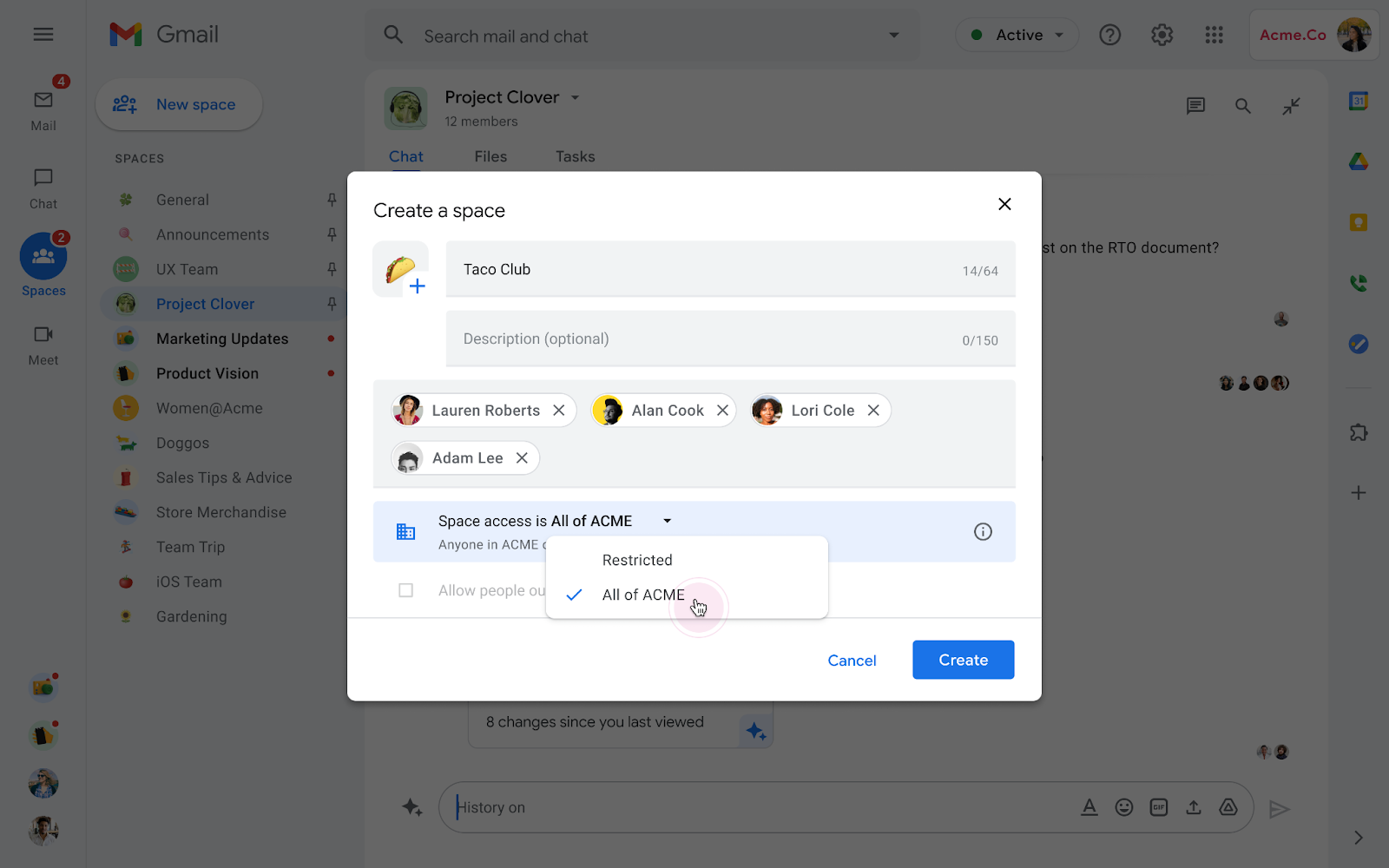
Google has added the ability for users to create spaces in Google Chat that can be shared with others in their organization to join via link. When creating a space, simply update its access to everyone in an organization and quickly copy a link to share it with others.
The new feature will make it easier for users to more broadly share information, build communities and foster discussion across your organization.
"With this launch, Spaces are no longer restricted to only people added to the conversation. This update allows for the creation of topic-based conversations that can be shared more broadly within an organization," Google said.
Notably, users can only enable a space to be shareable within an organization at creation. At this time, users cannot enable discovery for existing spaces and share them via link. Also, users outside of your organization will not be able to join a shareable space, even with the shared link.
The new feature can be particularly useful for spaces that are oriented around:
- Sharing knowledge widely with others, including team discussions, how-to guides and mentoring opportunities.
- Organizational and policy updates.
- Situations where you need to quickly gather interested folks or those with relevant expertise, for example, to investigate an outage.
- Cultural and social topics of interest, like reading, sports, or cooking.
The new feature is available to all Google Workspace customers, as well as legacy G Suite Basic and Business customers.


 Google News