

Snaptube Download 2023: Free Music and Video Downloader for Android
Download Snaptube 2023 and unlock a world of limitless entertainmen. Stream, download, and enjoy your favorite entertainment offline whenever and wherever you want.

Are you a video enthusiast, a music lover, or someone who enjoys streaming content on the go? If so, Snaptube app 2023 is the ultimate gateway for your digital entertainment needs.
Snaptube has won the hearts of millions of people around the world for its intuitive interface and the ability to download videos and music for free from various platforms. This holds true with the latest Snaptube APK version, which introduces further enhancements to meet the ever-changing needs of users.
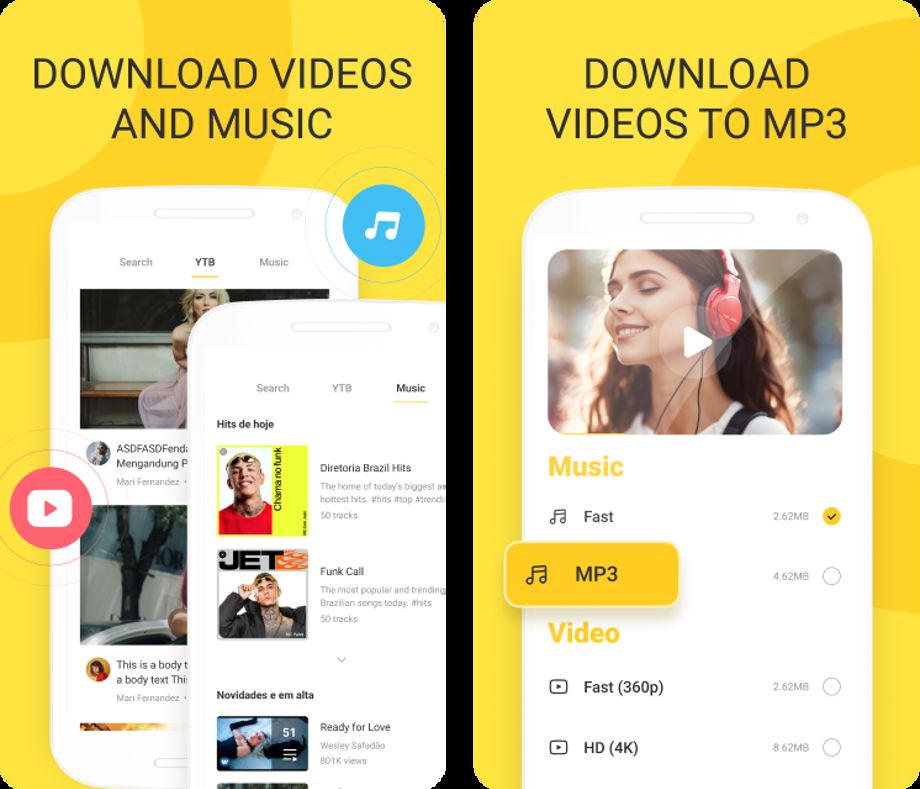
In this comprehensive guide, we'll introduce you to Snaptube 2023, walk you through the process of downloading and installing it, and show you how to make the most of its features. Let's dive in!
How to Download Snaptube 2023
Feel excited about the features Snaptube 2023 offers. First of all, let's walk through the process of downloading and installing this incredible app on your Android device. Please note that Snaptube is not available on the Google Play Store due to policy restrictions, so you'll need to download it directly from the official Snaptube website or a trusted APK store like Uptodown.
Before you can install Snaptube, you'll need to enable installation from unknown sources on your Android device. Here's how:
- Go to your device's "Settings."
- Scroll down and select "Security" or "Privacy."
- Find the "Install apps from unknown sources" option and enable it. You may receive a warning about the risks associated with this action, but rest assured that Snaptube is a safe and trusted application. You can disable this feature after installing the Snaptube app.
Now, let's get started!
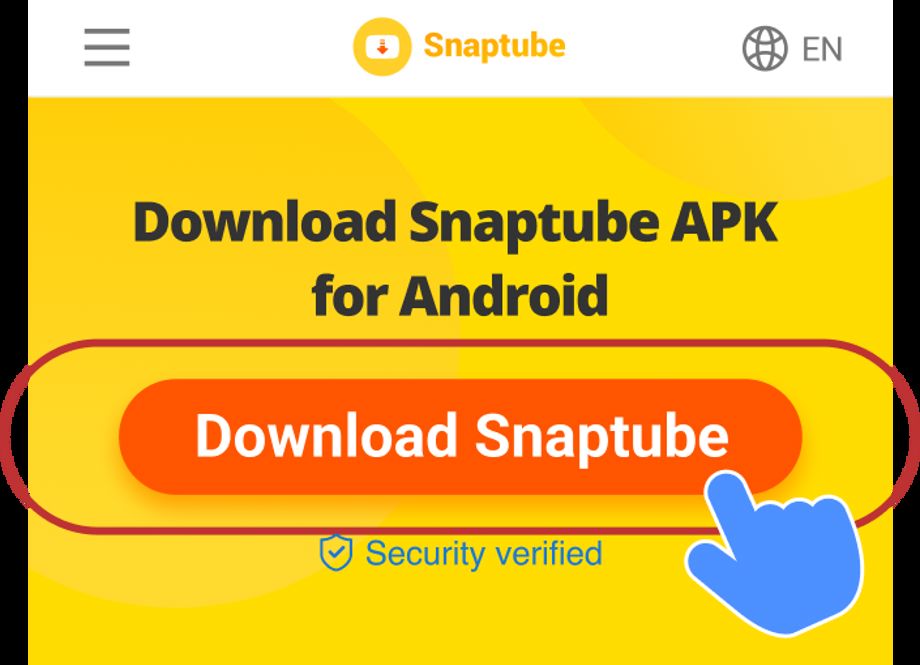
- Download Snaptube 2023: Once you're on the Snaptube website, locate the download button for Snaptube APK 2023 and click it.
- Install Snaptube: Once the Snaptube APK file is downloaded, open it from your device's notification bar or find it in your "Downloads" folder. Tap on the APK file to start the installation process.
- Grant permissions: During the installation, you'll be prompted to grant certain permissions to Snaptube. These permissions are necessary for the app to function correctly. Click "Install," and the installation process will begin.
- Open Snaptube: After the installation is complete, you'll find the Snaptube icon on your device's home screen or app drawer. Tap the icon to open the app.
Download Music and Videos without Limits
Now that you've successfully downloaded and installed Snaptube 2023 apk, let's explore how to use it to download your favorite videos and music.
Step 1: Search for Content
Open the Snaptube app, you'll be greeted by Snaptube's user-friendly interface.
Use the built-in search engine of Snaptube to find the video or music you want to download. Simply enter keywords or paste a video URL into the search bar.
Step 2: Select Download Options
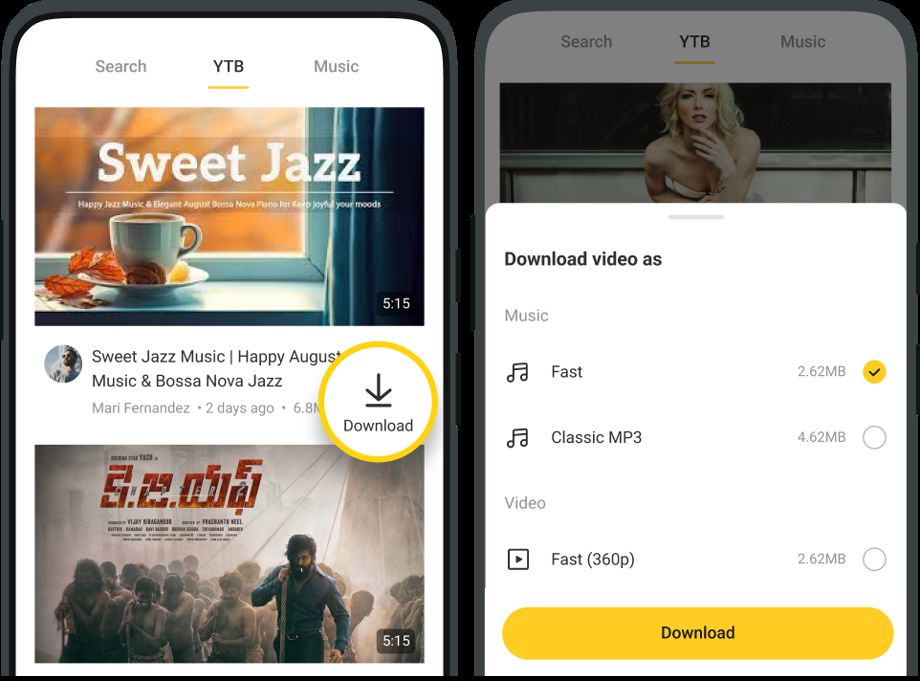
Once you've found your desired content, tap on it to open the download options. Snaptube will display different download options in terms of video quality and audio format (MP3 or MP4). Choose your preferred resolution and format for videos or audio files.
Step 3: Start the Download
Tap the "Download" button, and Snaptube will begin downloading the content to your device. You can monitor the download progress in the "Downloads" section of the app.
Step 4: Enjoy Your Downloads Offline
Once the download is complete, you can play the media directly within Snaptube using the built-in player. You can also access your downloaded files in your device's Gallery app.
That's it! You're now ready to use Snaptube to download and enjoy your favorite videos and music.
Snaptube APK Download 2023: Your All-in-One Entertainment Solution
Snaptube has always been a favorite among users for downloading videos and music from various online platforms, and the Snaptube latest version v7.0 takes the experience to a whole new level. It is a versatile and user-friendly application that allows you to access an extensive library of multimedia content from platforms like YT, Facebook, Instagram, and more. With Snaptube 2023 you can enjoy the following features:
1. Simpler in-app search
Streamline your music discovery process by quickly finding the music and videos you're looking for with Snaptube's intuitive in-app search feature.
2. High-speed downloading
Experience lightning-fast and stable music and video downloads with Snaptube's advanced technology, ensuring quick access to your favorite content.
3. No registration required
Start using Snaptube today as it requires no registration or login, ensuring you enjoy its benefits immediately.
4. Background download
Continue your device activities while downloading music and videos in the background for enhanced multitasking convenience.
5. Multi-site support
Download media content from a variety of platforms, including social networking sites like Facebook and Instagram, video sites like YTB, TikTok, Dailymotion, and music sites like Soundcloud.
6. Download management
Snaptube allows you to control multiple downloads and pause or resume downloads at your convenience, enhancing your download control.
7. 100% safe and reliable
Download music and videos with confidence because Snaptube protects your online experience by prioritizing user privacy and security.
8. Multi-language interface
Benefit from the Snaptube app's multi-language support and continuous updates to meet the needs of users in different regions and ensure a seamless experience.
Snaptube 2023 is more than just a video and music downloader; it offers more features such as playlist sync, dark mode, mobile optimization, battery saving, and more.
Whether you want to create playlists, discover new music, or download videos for offline viewing, Snaptube has you covered. So why wait? Download Snaptube 2023 now and enhance your digital entertainment experience!
(Devdiscourse's journalists were not involved in the production of this article. The facts and opinions appearing in the article do not reflect the views of Devdiscourse and Devdiscourse does not claim any responsibility for the same.)


 Google News