

Mi Band 4 best themes and watch faces: From The Lion King to Game of Thrones
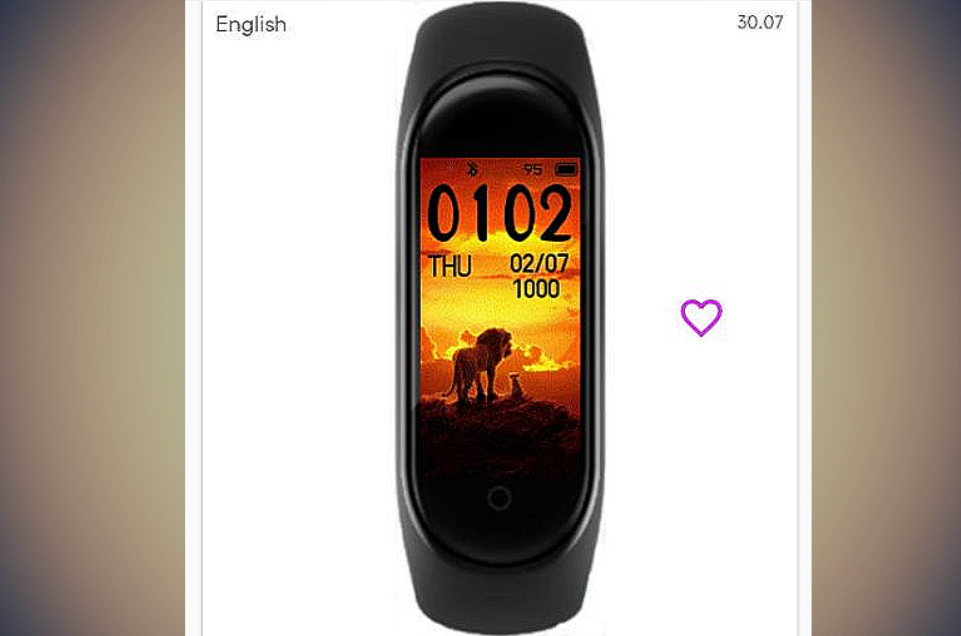
Xiaomi's Mi Band 4 has shaken the fitness band industry with the amazing features that it brings to the table at ridiculously low prices. But despite the prices, the Chinese tech giant managed to fit in a color AMOLED display and support for themes or watch faces. Developers have now figured out a way to customize the band and it's very simple to follow. Apart from the wallpaper, you can also add widgets like weather, calories, day of the week, battery and more to your band's home screen with the themes.
Xiaomi's Mi Band 4 comes with a 0.95-inch color AMOLED display and a robust 135 mAh battery which can easily give you juice worth 15-20 days. The band is launched in some major markets but a key market, India is still waiting for its launch. Mi Band is available for USD 40 in UK and US but the price is expected to be even lower in India.
An Android app called "MiBand4" offers thousands of themes or watch faces to choose from. Choosing a theme through this app is as simple as applying the wallpaper on your phone.
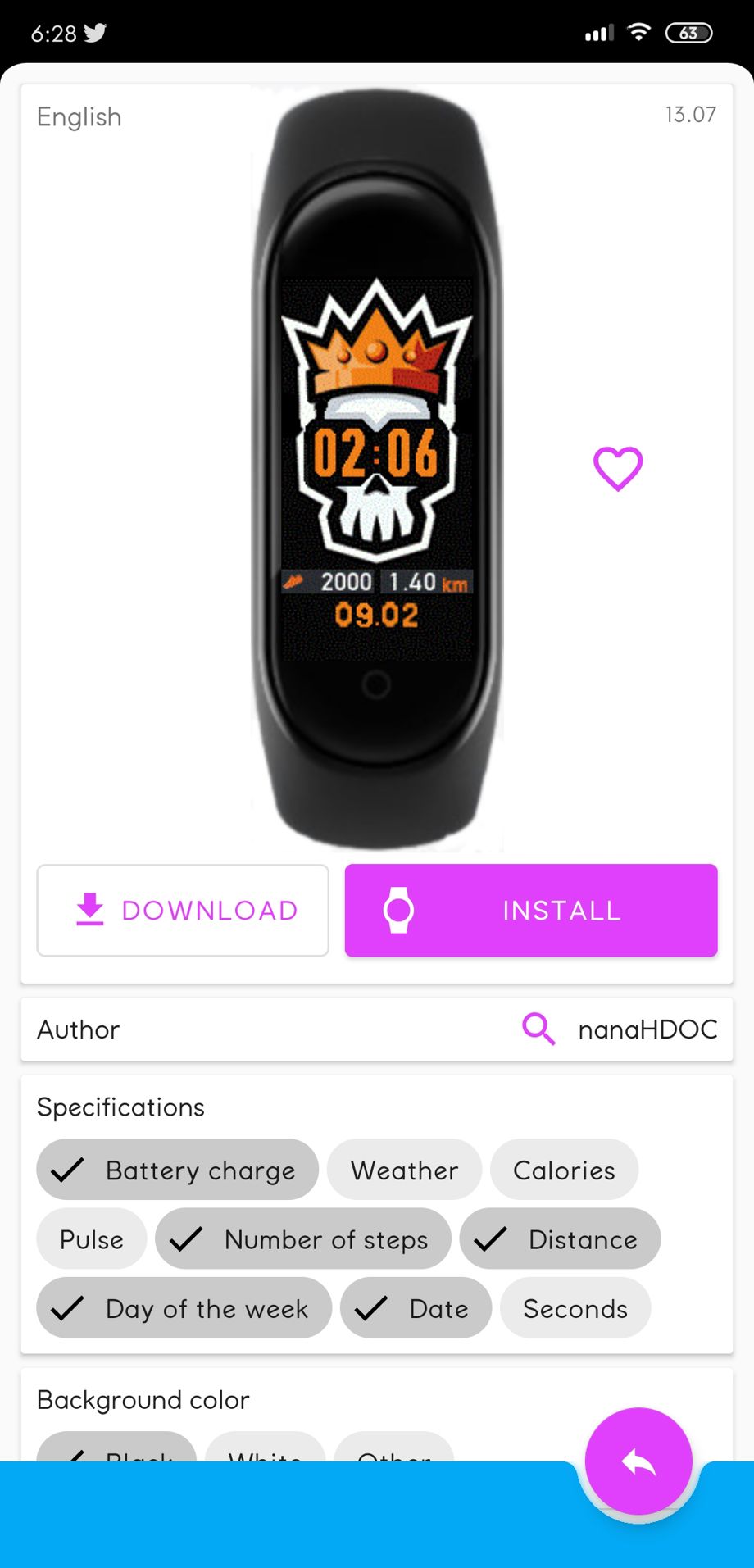
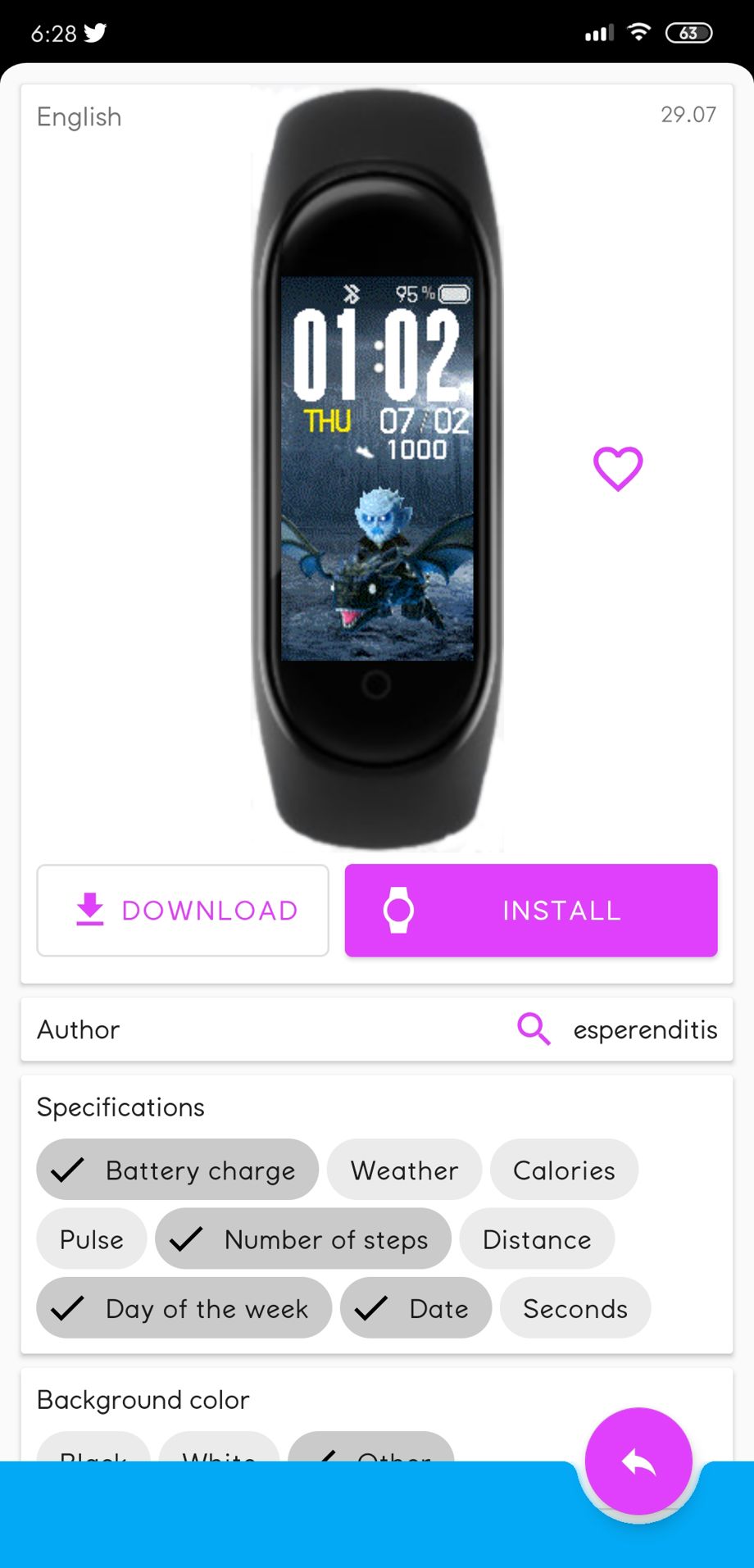
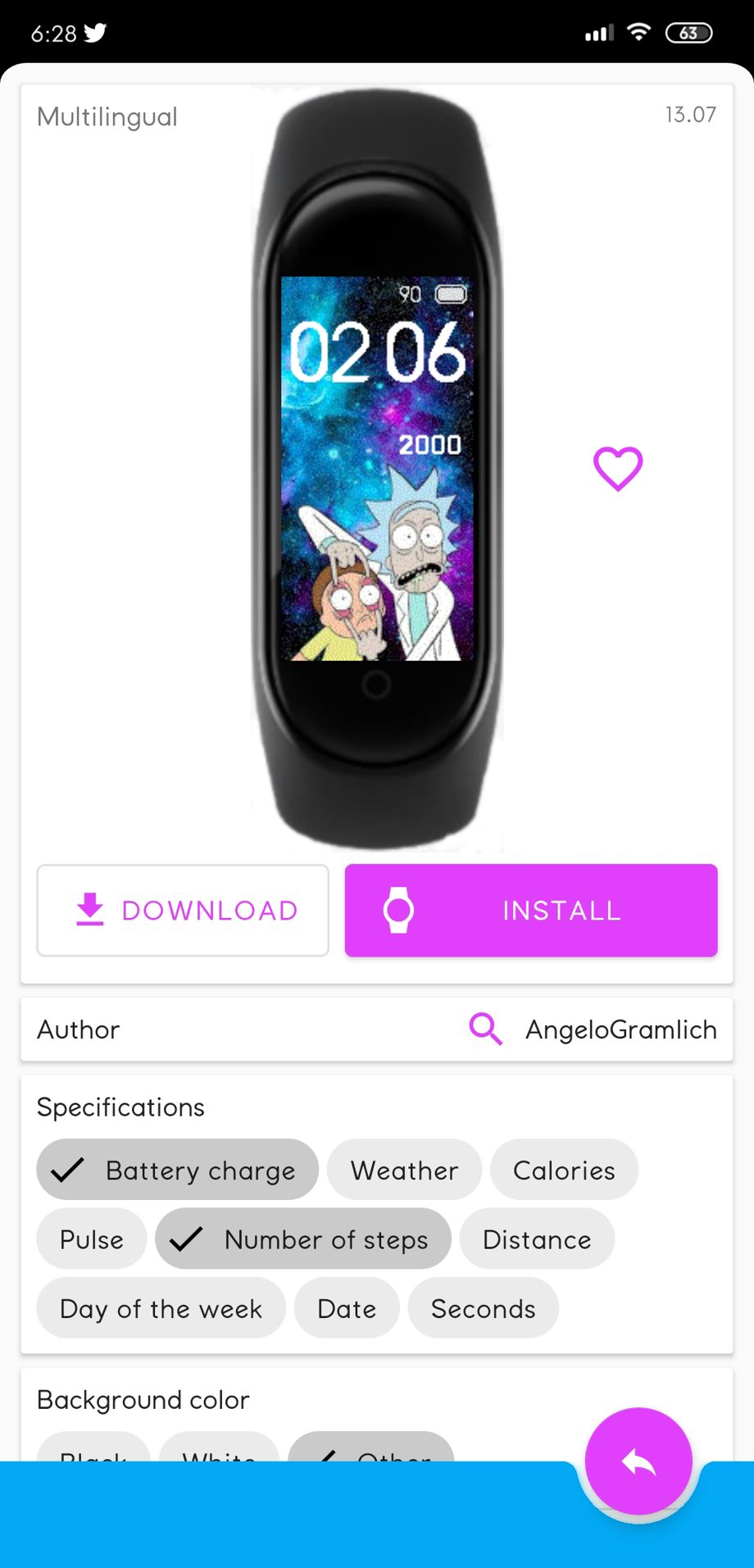
Here are some of our favorite themes for the Xiaomi Mi Band 4 from the app:
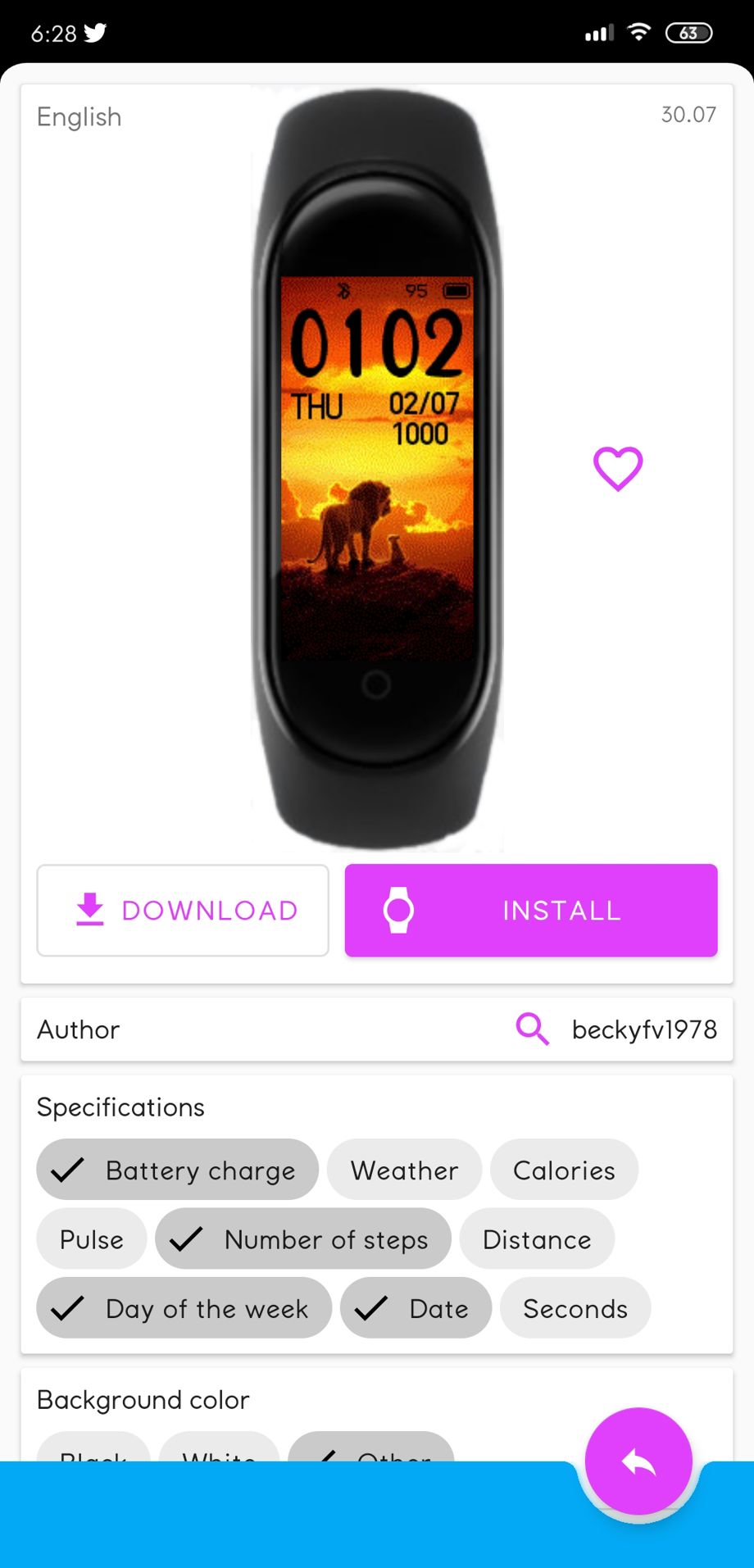
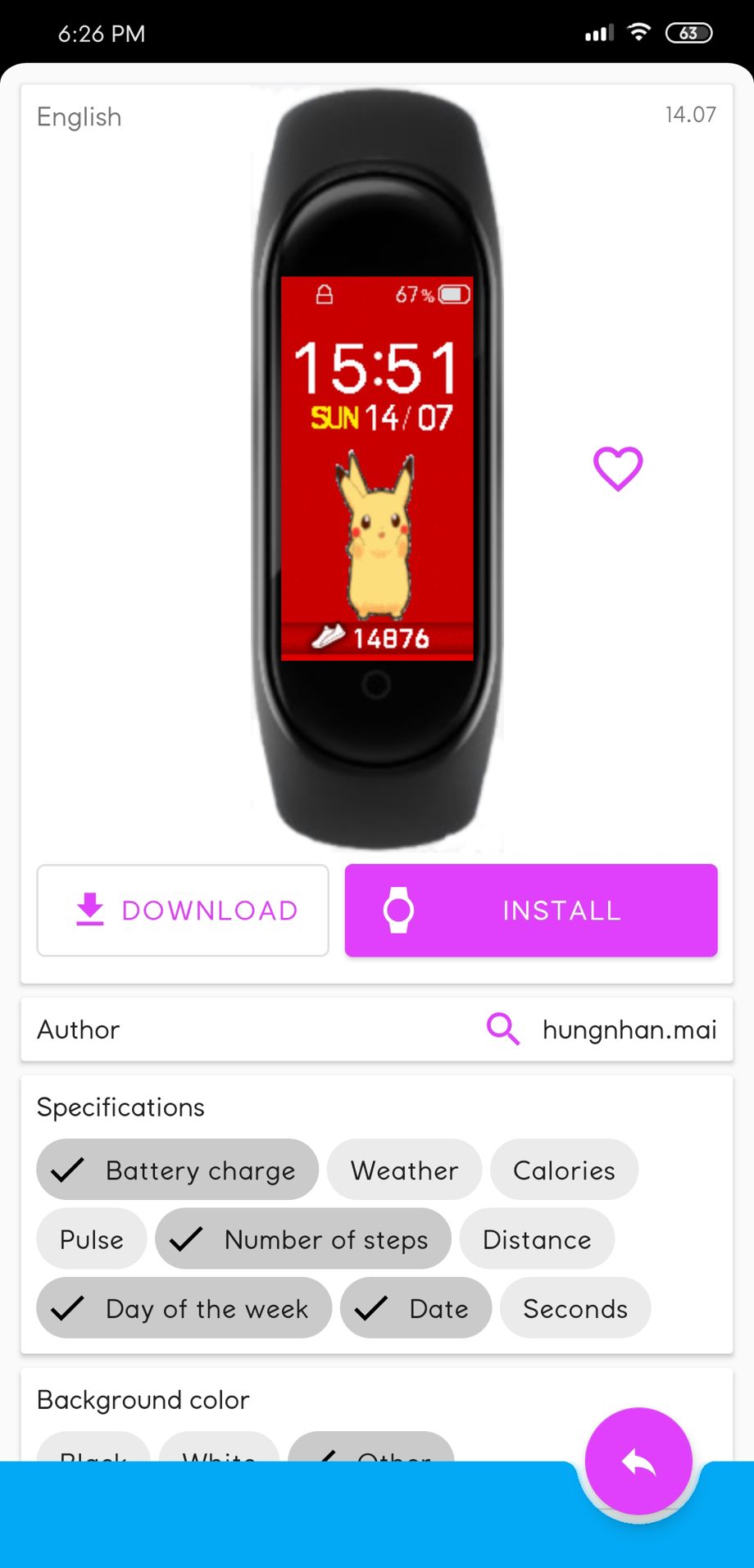
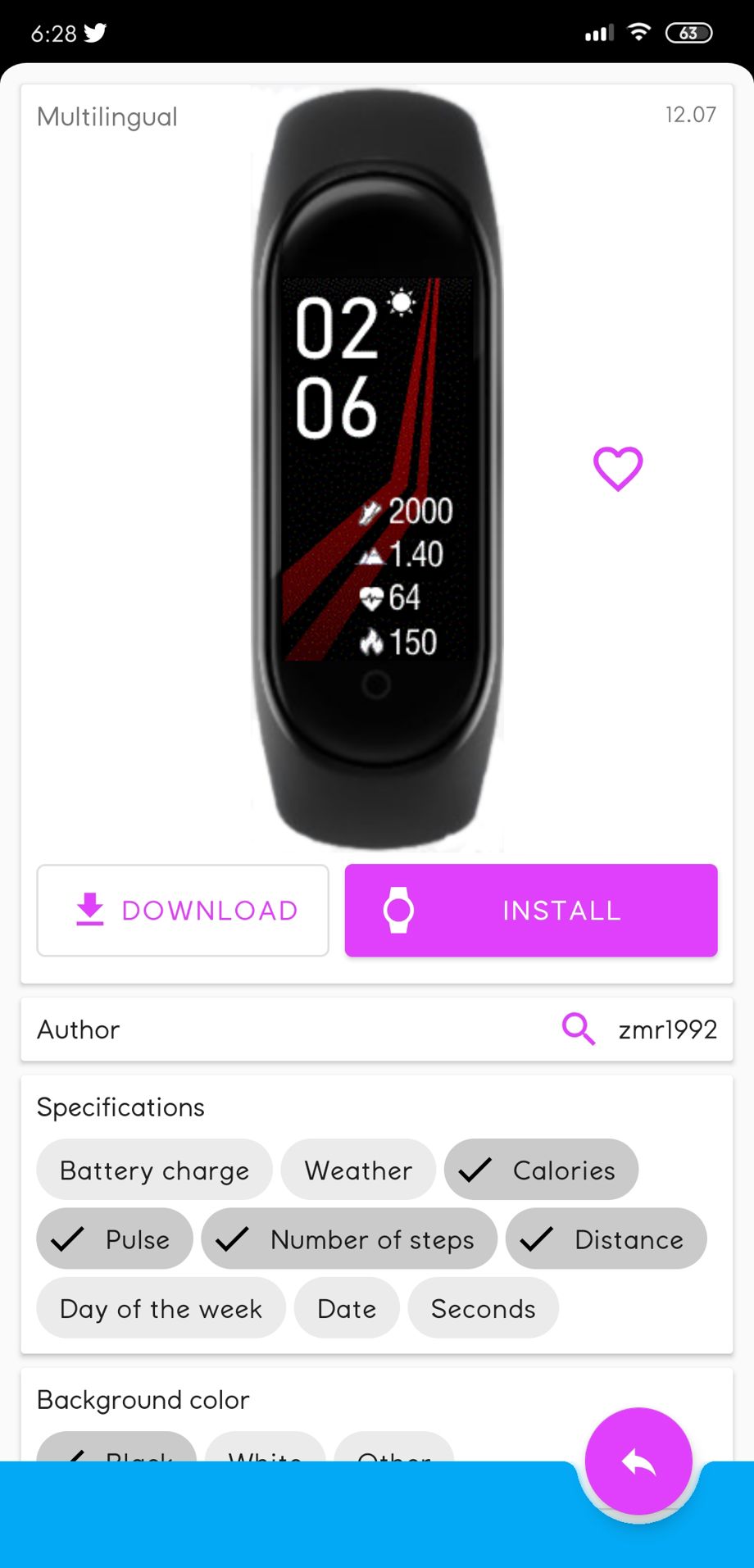
Games of Thrones, The Lion King to something for minimalistic, this app has it all and supports many languages.
Steps to apply themes on your Mi Band 4
- Make sure the band is connected to the official Mi Fit app.
- Install "MiBand4" app from Google Play Store.
- Open the app and select the watch face you want on your band. There are various options to filter the list.
- Select "Install" from the app.
- The watch face of your choice will be added to the Mi Fit app along with the other band displays officially supported by Xiaomi.
- Tap on "sync watch face" and your new display will be ready.
Here is another alternative for those of you who don't want a third-party app to be accessing your Mi Band 4 but it may be a little advanced for some users.


 Google News