

Android 11 highlights: Manage conversations, bubbles, device controls and more
With Android 11, you can keep the chat going by responding to important conversations without having to switch back and forth between what you are doing and your messaging app. In short, it enables multitasking on your device.
- Country:
- India
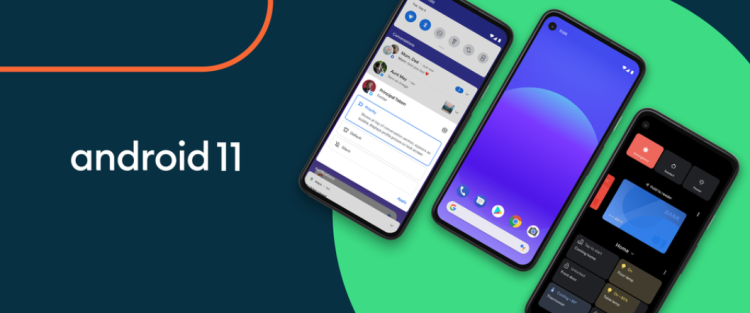
The 11th version of the Android operating system, Android 11, has arrived and it is rolling out today on select Pixel, OnePlus, Xiaomi, OPPO and Realme phones with more partners and upgrading devices to receive the update over the coming months.
Here are the new features that the latest OS brings:
Manage conversations
Now you can see, respond to and control your conversations across multiple messaging apps a dedicated space in the notifications section. In addition, you can prioritize conversations from the key people you always chat with and they will show up on your lock screen.
Bubbles
With Android 11, you can keep the chat going by responding to important conversations without having to switch back and forth between what you are doing and your messaging app. In short, it enables multitasking on your device.
Built-in screen recording
Screen recording will now let you capture and share what's happening on your phone without any using any extra app.
Media Controls
Android 11 brings redesigned media controls that let you quickly switch the device your media is playing on. For instance, you can take the music from your headphones to the speaker without skipping a beat.
Device Controls
You can now manage and control all your smart and connected devices from a single spot on your phone. All you need to do is long-press the power button.
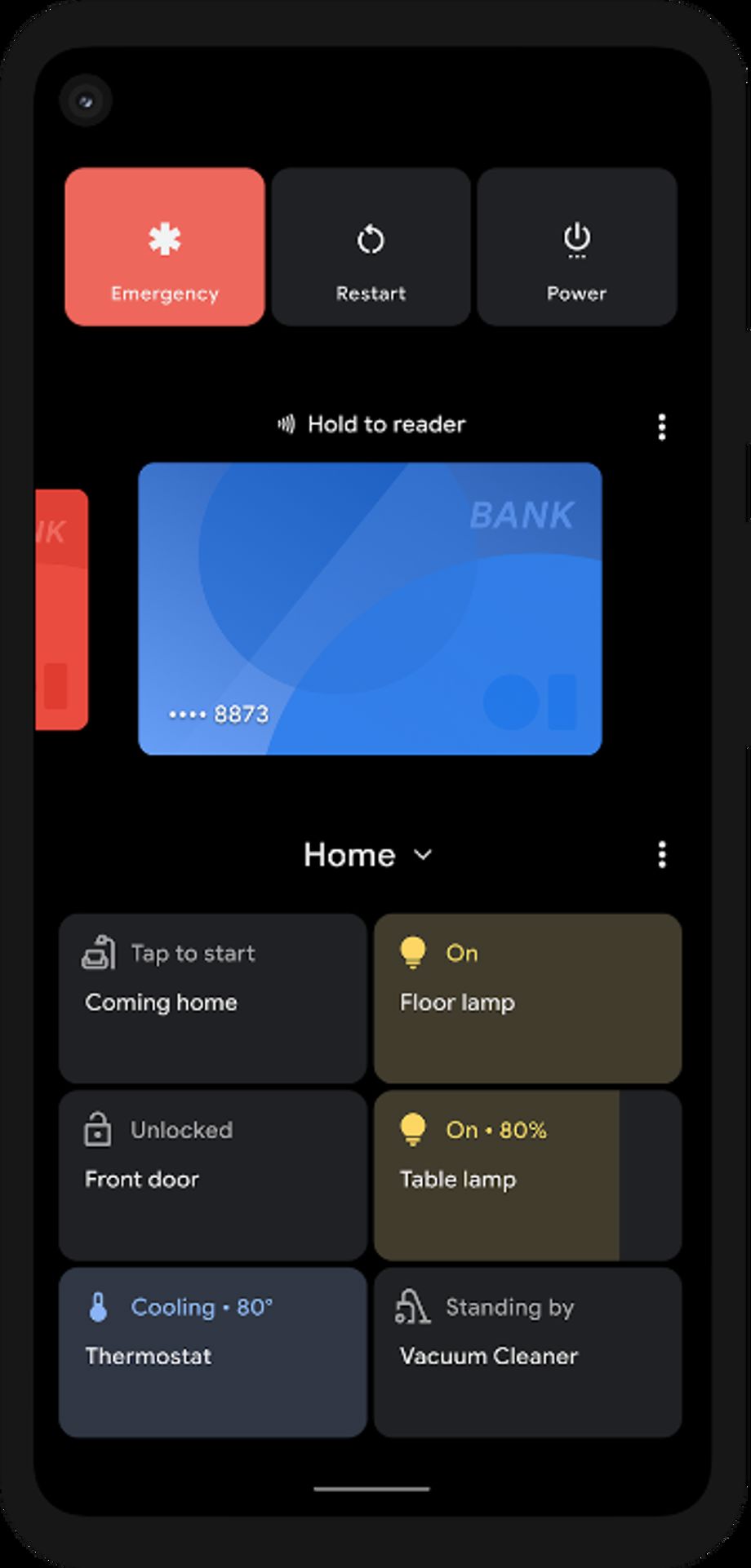
Image Credit: Google
Android Auto
Android Auto now works wirelessly in compatible vehicles and devices running Android 11. You can get directions with a tap, talk to send a text, play your favorite media and get help from Google Assistant without plugging in.
One-time permissions
You can now grant single-use access to the apps that need access to your mic, camera or location. The next time the app needs access they will have to ask for permission again.
Auto-reset permissions
Android 11 will reset permissions for your unused apps and notify you accordingly. You can turn permissions back on whenever needed.
Google Play system updates
Google Play will send security and privacy fixes as soon as they are available without having to wait for a full OS update
Enterprise
Android Enterprise users can now bring privacy protections from a personally-owned device to the company-owned device. The work profile now offers device controls like asset management tools and personal usage policies that give IT the ability to keep devices compliant with a corporate policy without compromising employee privacy.
Pixel-first features
Pixel 2 or above users will get additional features like app suggestions on the home screen to organize and manage their phone.


 Google News