



Facebook for Android, iOS now supports 2FA via security key: Here's how to add it?
Security keys are small hardware devices that can either work through Bluetooth, NFC technology or by inserting them directly into the device via a USB port. After you register a security key to your Facebook account, log-in attempts from an unrecognized browser or untrusted device will be prompted to physically authorize the login attempt via the security key you have registered with your account.
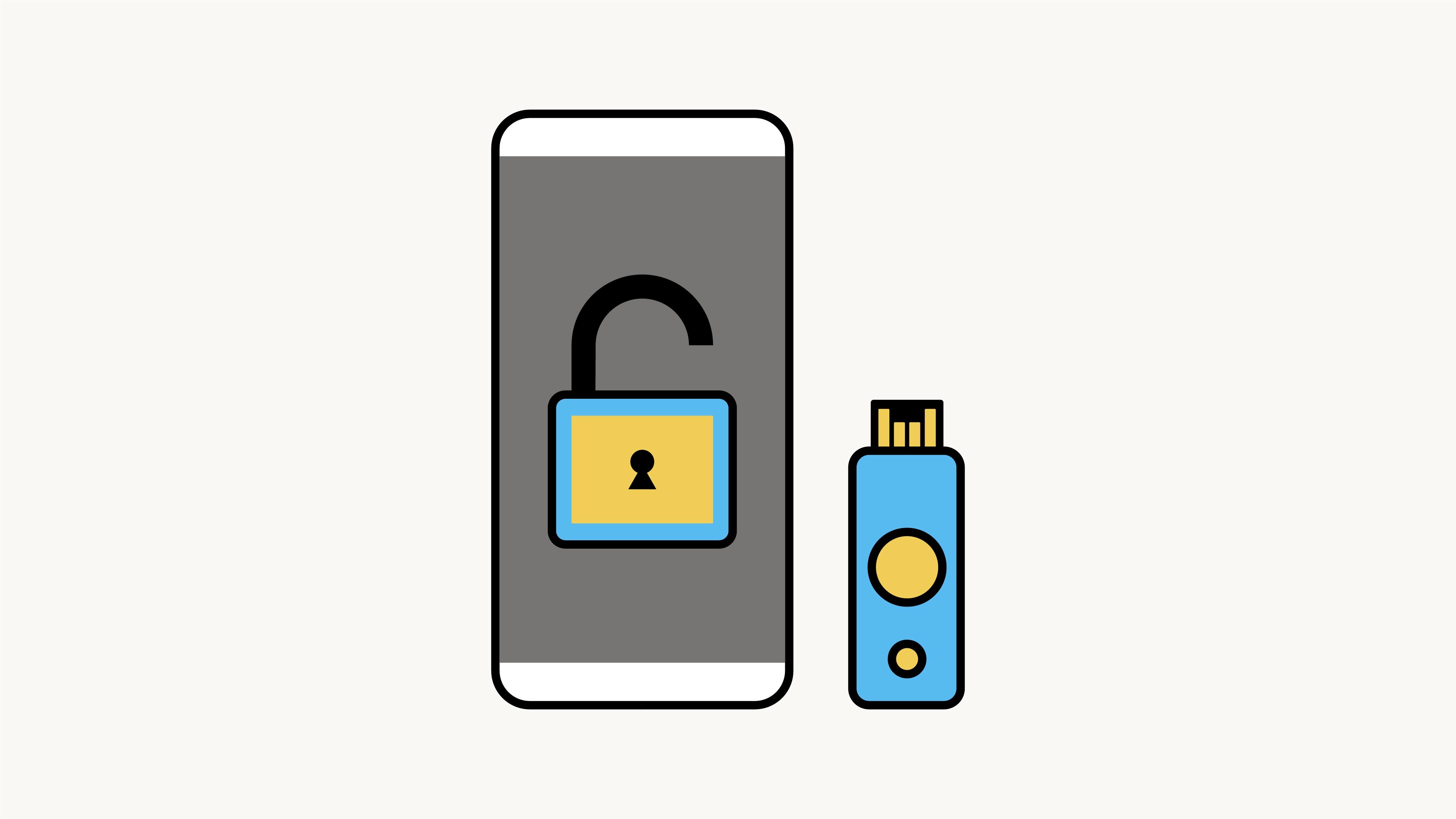
Facebook has expanded support for security keys, a method of two-factor authentication (2FA) that adds a layer of security to logging in, on iOS and Android mobile devices. Previously it was available only on desktop.
Security keys are small hardware devices that can either work through Bluetooth, NFC technology or by inserting them directly into the device via a USB port. After you register a security key to your Facebook account, log-in attempts from an unrecognized browser or untrusted device will be prompted to physically authorize the login attempt via the security key you have registered with your account.
A hardware security key adds an extra layer of security to your account. Since the key is in your physical possession, only you can authorize a login to your account, even if the password is entered correctly.
"Since 2017, we've encouraged people that are at high risk of being targeted by malicious hackers: politicians, public figures, journalists and human rights defenders. We strongly recommend that everyone considers using physical security keys to increase the security of their accounts, no matter what device they use," Facebook wrote in a blog post on Thursday.
How to add a security key to your Facebook account?
To add a security key to your account, head over to the 'Security and Login' section of your Settings and follow these steps:
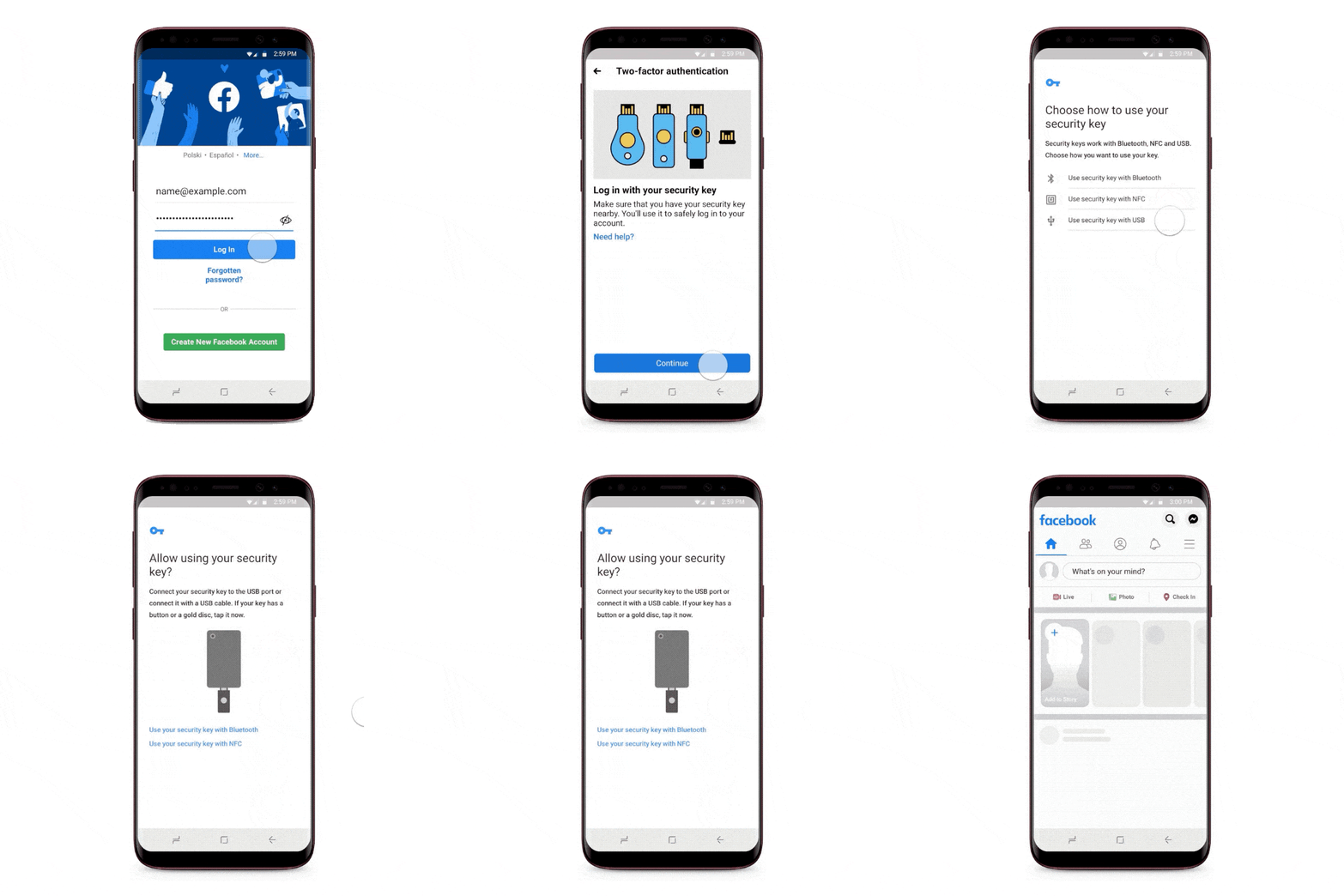
- Scroll down to use two-factor authentication > Select a security method
- Tap Security Key
- Tap Register Security Key and then follow the on-screen instructions


 Google News