

Google now provides quick access to Maps in Calendar side panel
Now, with Google Maps in the side panel, you can see more information without switching contexts or using multiple tabs, making it easier for you to plan and participate in timely events.
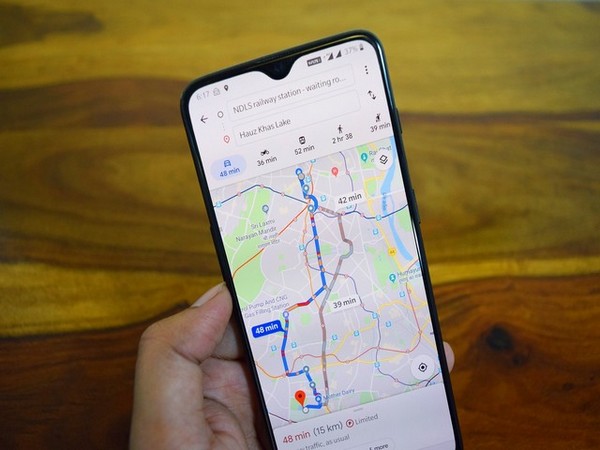
The Google Calendar quick access side panel now allows you to use Google Maps, meaning you can use Maps to view and research place information on the same window. The side panel already allows viewing Calendar while in other Google Workspace apps, take notes, manage tasks, and more.
Now, with Google Maps in the side panel, you can see more information without switching contexts or using multiple tabs, making it easier for you to plan and participate in timely events. The quick access side panel will make it easier to:
- See place details such as location, opening hours, and user reviews
- Make sure you're adding the correct location to a Calendar event
- Get travel times and directions to plan ahead your trip to an upcoming event location. You can add trips to your Calendar to help arrive on time by knowing when to leave.
The new feature will be on by default for all users with Calendar and Maps enabled. If Google Maps is disabled for a user, they will not see Maps in the Calendar quick access side panel.
Quick access to Google Maps in the Calendar side panel will be available to all Google Workspace customers, as well as G Suite Basic and Business customers. Currently, it is rolling out to Rapid Release domains while the gradual roll out for Scheduled Release domains will commence on May 3, 2021.


 Google News