



Admins now have more options to control who can join Google Meet calls
Except for the Google Workspace for Education users, the default setting is set to allow all Workspace users, including those not signed in with a personal Google account, to join a meeting. For Education users, the default is set to allow only users signed into a Google account or dialing in using a phone.
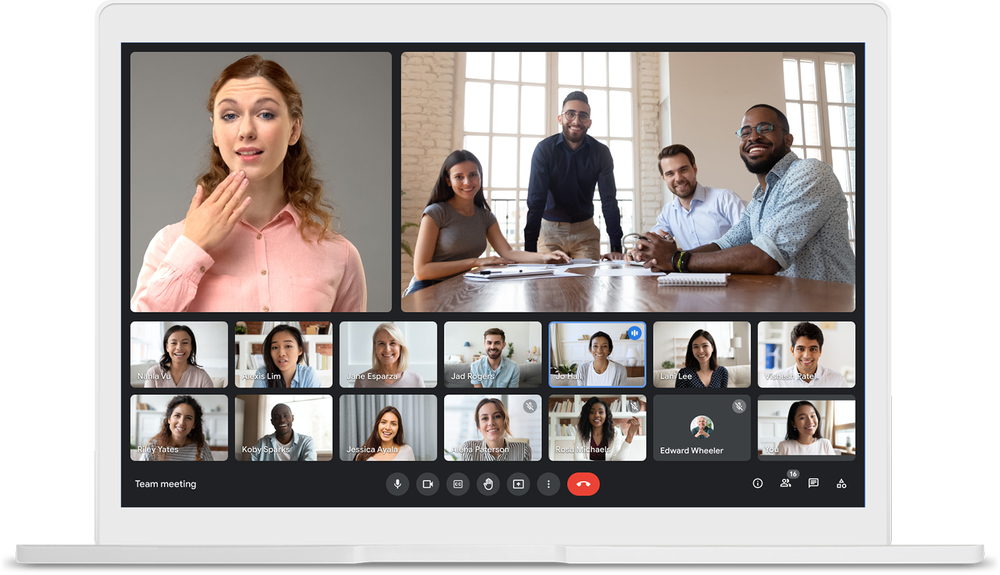
Google has added new settings that allow admins to set policies for who can join Meet video calls in their organization, and whether users from their organization can join video calls from other organizations.
With this addition, admins now have three settings to control which types of meetings users from their organization can join:
- Meetings created by someone in your organization
- Meetings created by any other Google Workspace customer
- All meetings, including meetings created with personal Google accounts
Additionally, admins now also have three options to control who can join meetings created by users in their organization:
- Only users from your organization or users dialing in using a phone
- Users signed in with a Google account or dialing in using a phone
- All users, including those not signed in with a Google account
Except for the Google Workspace for Education users, the default setting is set to allow all Workspace users, including those not signed in with a personal Google account, to join a meeting. For Education users, the default is set to allow only users signed into a Google account or dialing in using a phone.
"Giving admins the ability to control what meetings their users can join with their Google Workspace accounts and who can join their users' meetings will help ensure more secure meetings. It will also facilitate things like student-to-student connections across districts, professional development opportunities for educators, and external speakers visiting a class," Google wrote in a blog post.
The new admin settings are gradually rolling out to both Rapid Release and Scheduled Release domains and will take up to 15 days for the feature to be fully visible.
The new settings are available to all Google Workspace and Google Workspace for Education customers, G Suite Basic and Business customers. Depending on the Admin settings, users with personal Google Accounts may not be able to join meetings organized by Workspace users and vice versa.
- READ MORE ON:
- Google Meet
- admin settings for Google Meet calls


 Google News