

OnePlus Nord getting Android 12-based OxygenOS 12 Open Beta 1 update
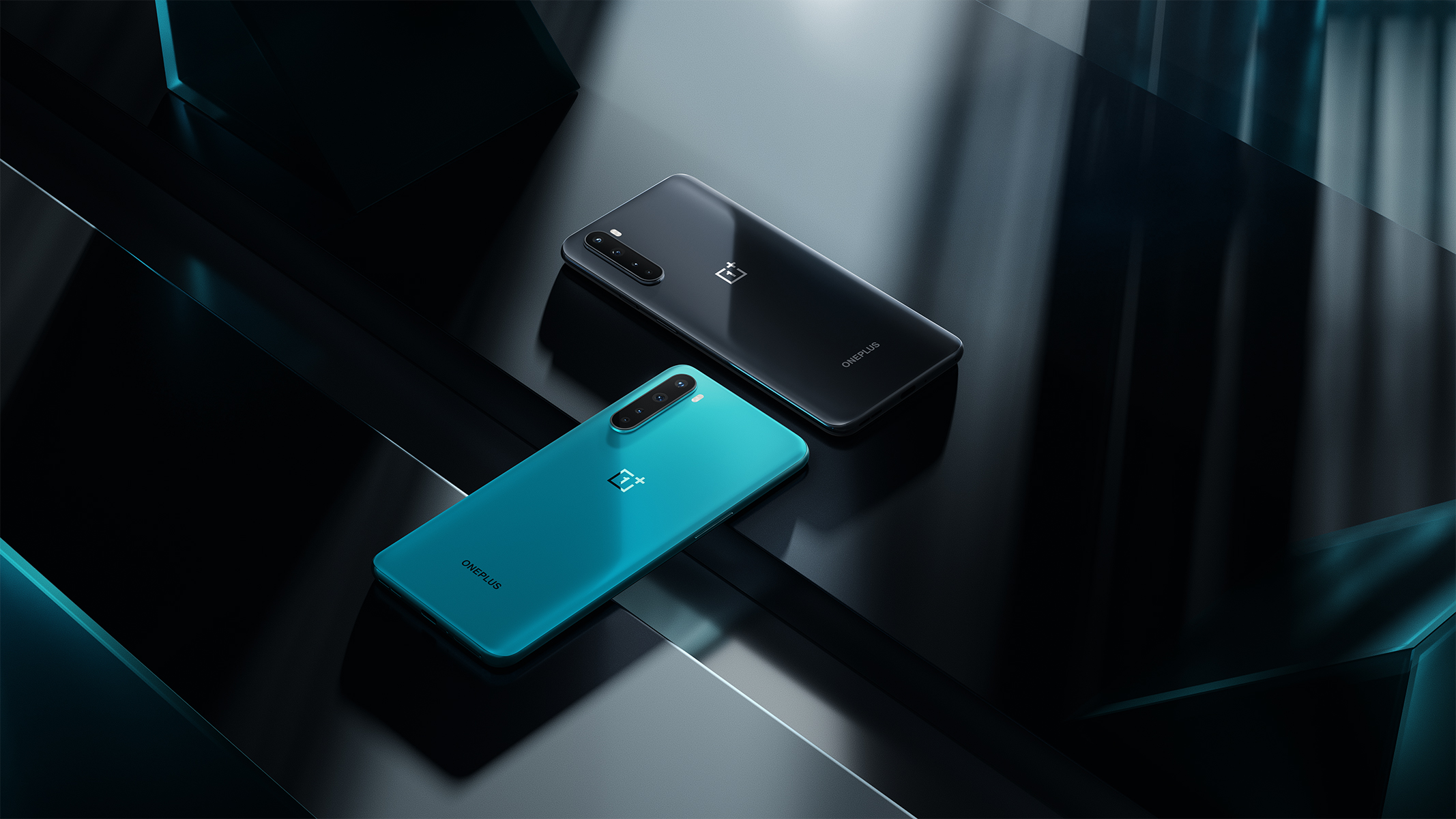
OnePlus has released the OxygenOS 12 Open Beta 1, based on Android 12, for the OnePlus Nord. The beta update brings a plethora of new features including enhanced Dark Mode, Smart Battery Engine, Canvas always-on display (AOD) features and more.
Before installing this update, make sure your phone's battery level is above 30% and a minimum of 3GB of storage space is available. Below is the complete update changelog (via):
Key updates
- System
- [Added] Smart Battery Engine, a feature that prolongs your battery life based on smart algorithms and biomimetic self-restoration technology
- [Optimized] desktop icons with improved textures, by using a design inspired by brand-new materials and uniting lights and layers
- Dark mode
- [Supported] three adjustable levels, bringing a more personalized and comfortable user experience
- Shelf
- [Added] new additional style options for Cards, making data contents more visual and easier to read
- [Added] access to OnePlus Scout in Shelf, allowing you to search multiple contents on your phone, including Apps, Settings, Media Data, etc
- WorkLife Balance
- [Added] WorkLife Balance feature, allowing you to effortlessly switch between Work and Life mode via quick settings
- [Supported] automatic Work/Life mode switching, based on specific locations, Wi-Fi network, and time, also bringing customized App notification profiles according to the personalization
- Gallery
- [Supported] switching between different layouts with a two-finger pinch gesture, intelligently recognizing the best-quality pictures, and cropping the thumbnail based on the content, making the gallery layout more pleasing
- Canvas AOD
- [Added] new diverse styles of lines and colors, for a more personalized lock screen experience with inspiring visuals
- [Added] multiple brushes and strokes and support for color adjustment
- [Optimized] software algorithm and improved face recognition to better identify the features and skin color of different figures
- Games
- [Added] HyperBoost end-to-end frame rate stabilizer
- [Added] Voice effect preview to allow you to record your voice effect or check your voice effect in real-time
This beta update also includes some known issues:
- The left bottom button of the keyboard may disappear.
- Unable to browse, delete and download pictures in Cloud.
- Personal Safe may not respond.
- Anti-shake effect in Snapchat may not be obvious.
- The screen may flicker when previewing after taking pictures.
Go to Settings > System > System Updates to check for the update manually.


 Google News