

OxygenOS 13 Open Beta Test starts for OnePlus Nord CE 2 Lite 5G
- Country:
- India
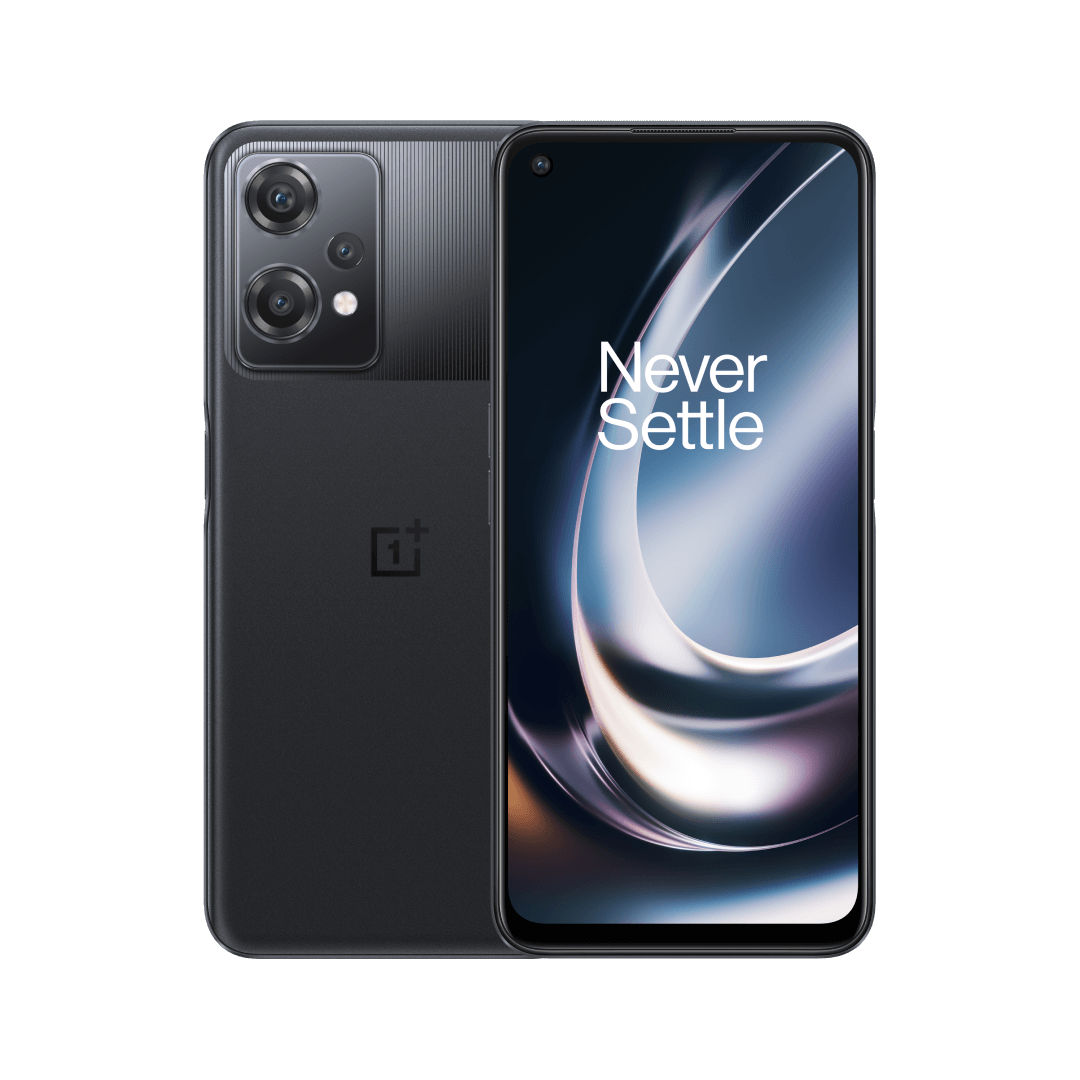
OnePlus on Friday announced that it is starting the OxygenOS 13 Open Beta Test (OBT) for the OnePlus Nord CE 2 Lite 5G units in India, allowing users to experience the Android 13-based OxygenOS 13 in advance.
The company is inviting 1000 users who meet the requirements with a OnePlus Nord CE 2 Lite 5G IN device to attend this open Beta Program. If you meet the following requirements, you can submit the applications:
- You are using a OnePlus Nord CE 2 Lite 5G (India version).
- You are an active OnePlus Community member.
- After updating to the OBT version, you'll remain patient and tolerate its instability and accept all risks which might be caused by it.
Interested and eligible users may submit their application between 2022/11/18 - 2022/11/20. After reviewing the applications, OnePlus said it will push the beta version to the users who meet the requirements.
Here's the complete update changelog (via):
Aquamorphic Design
- Adds Aquamorphic Design theme colors for enhanced visual comfort.
- Adds Shadow-Reflective Clock, with shadow simulating the orientation of the sun and moon.
- Adds a Home screen world clock widget to show the time in different time zones.
- Upgrades to Quantum Animation Engine 4.0, with a new behavior recognition feature, which recognizes complex gestures and provides optimized interactions.
- Optimizes UI layers for a clearer and neater visual experience.
- Applies real-world physical motions to animations to make them look more natural and intuitive.
- Optimizes the widget design to make information easier and quicker to find.
- Optimizes fonts for better readability.
- Optimizes system icons by using the latest color scheme to make the icons easier to recognize.
- Enriches and optimizes illustrations for features by incorporating multicultural and inclusive elements.
Efficiency
- Adds large folders to the Home screen. You can now open an app in an enlarged folder with just one tap and turn pages in the folder with a swipe.
- Adds media playback control, and optimizes the Quick Settings experience.
- Adds more markup tools for screenshot editing.
- Adds support for adding widgets to the Home screen, making information display more personalized.
- Adds Sidebar Toolbox. You can open floating windows inside apps for smooth operation.
- Upgrades Doodle in Notes. You can now draw on graphics to take notes more efficiently.
- Optimizes Shelf. Swiping down on the Home screen will bring up Shelf by default. You can search content online and on your device.
Security & privacy
- Adds an automatic pixelation feature for chat screenshots. The system can identify and automatically pixelate profile pictures and display names in a chat screenshot to protect your privacy.
- Adds regular clearing of clipboard data for privacy protection.
- Optimizes Private Safe. The Advanced Encryption Standard (AES) is used to encrypt all files for enhanced security of private files.
Health & Digital wellbeing
- Adds distance-from-phone, ambient light, and sitting posture reminders in Kid Space.
- Adds Eye comfort in Kid Space to protect children's vision.
Performance optimization
- Adds Dynamic Computing Engine to improve the system speed, stability, battery life, and app experience.
Gaming experience
- Upgrades to HyperBoost GPA 4.0 to stabilize the frame rate and balance the performance and power consumption in key scenarios.


 Google News