

You can now use Google Meet companion mode on personal device to check in to conference room
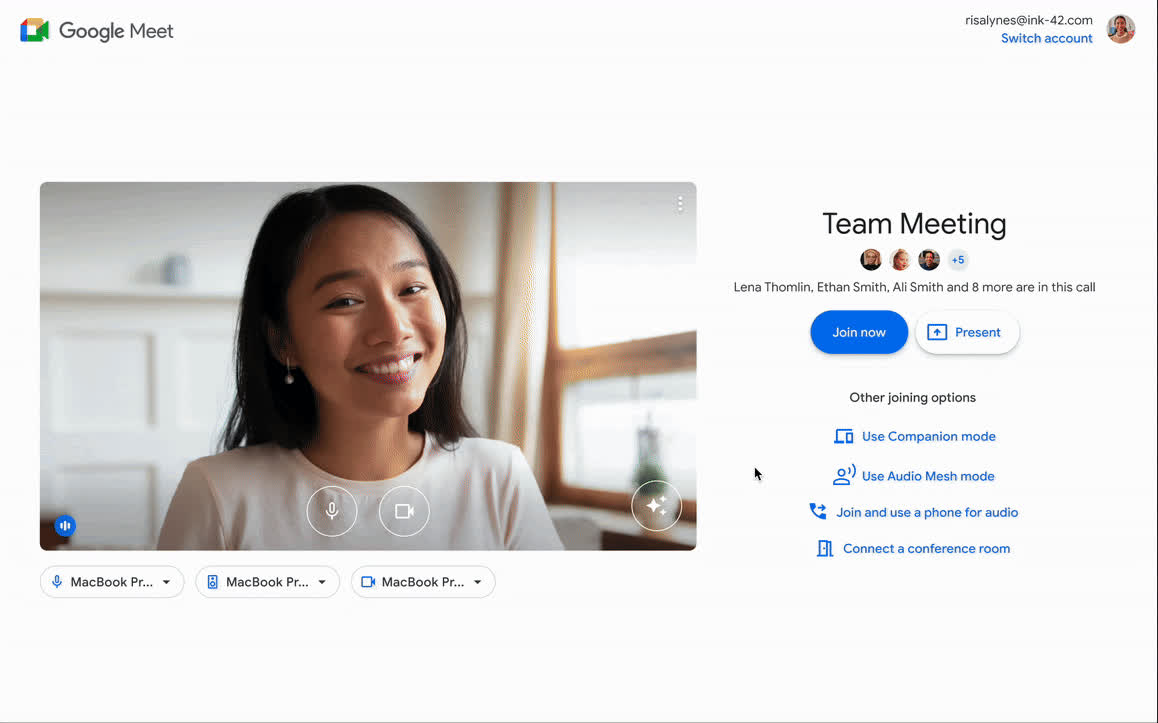
Gif Credit: Google Workspace Updates
To address the challenges of identifying individuals joining meetings from conference rooms, Google Meet has introduced a new Companion Mode Check-In feature that allows participants joining a meeting from a conference room to check in using their personal devices, enabling everyone on the call to identify the individuals rather than just the conference room name.
"Rather than being represented in a meeting just by the conference room you're in, room check-in helps ensure everyone in the meeting can see your name and be aware of your presence," Google wrote in a blog post.
Moreover, when participants turn on their personal video tile in companion mode, both their name and the conference room name will be shown while they are presenting.
Notably, the room check-in feature is currently available exclusively for Google Meet hardware devices, and interop devices are not supported at this time.
Admins can customize the room check-in feature for specific devices or users within an organizational unit. Go to Admin Console > Devices > Google Meet hardware > [Organizational Unit] > Device Settings > Room Check-In > Uncheck "Users can check in to this device's meeting room."
Furthermore, admins can also disable this feature for specific users within an organizational unit by navigating to Apps > Google Workspace > Google Meet > [Organizational Unit] > Meet Video Settings > Room Check-In in the admin console and unchecking "All users can check in to eligible rooms."
Starting today, Google Meet's companion mode check-in feature is rolling out to Rapid Release domains. The feature will gradually become visible to users over a period that may extend beyond the usual 15-day timeframe.
On the other hand, Scheduled Release domains can expect the gradual rollout of companion mode check-in starting from July 24, 2023.


 Google News