



New feature lets you highlight key content in Google Slides presentations
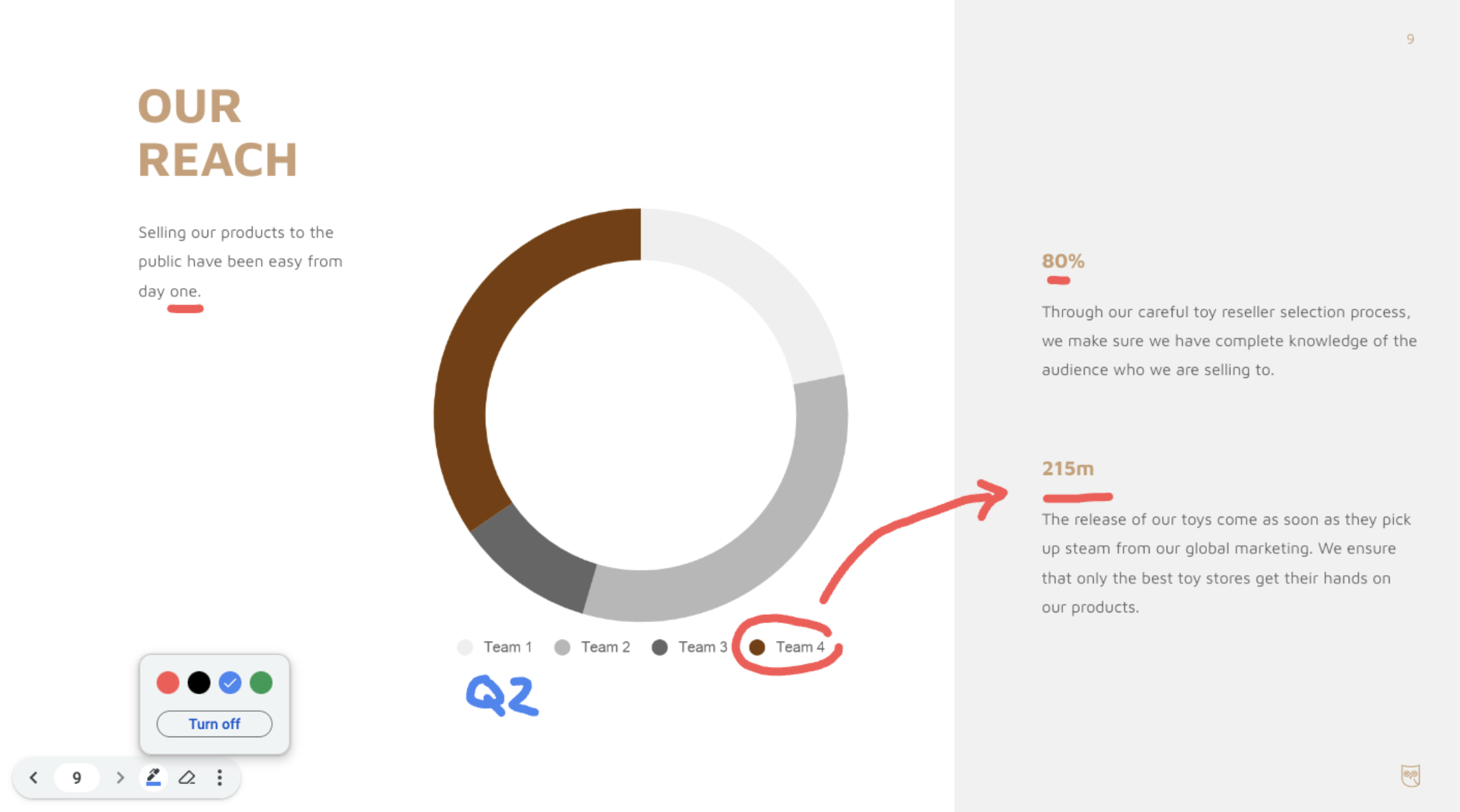
Google is rolling out a new feature that allows users to annotate and highlight key content in Google Slides presentations. The innovative "pen tool" enables users to draw attention to specific elements by allowing them to circle, underline, create connections, or jot down quick notes directly onto the presentation.
"Whether in a board meeting or a brainstorming session, annotations can help make your presentations more engaging, interactive and impactful," Google said.
To add annotations to your presentations in Google Slides, follow these steps:
- Click on the "Slideshow" button in the app bar
- Open "slideshow mode"
- Hover over the bottom-left side of the viewer
- Open the three-dot menu by clicking on the ellipsis icon.
- Select "Turn on the pen"
To remove annotations, you can use the eraser tool located in the bottom-left viewer menu.
Notably, annotations will stay during your presentation, but disappear after you end your slideshow.
Google is rolling out this feature in Google Slides in a staggered manner to ensure a smooth user experience. For Rapid Release domains, the pen tool will gradually become visible to users within a 15-day timeframe starting on August 10, 2023. Scheduled Release domains can expect the feature to become accessible from August 23, 2023.
The new tool will be available to all Google Workspace customers as well as users with personal Google Accounts.
- READ MORE ON:
- Google Slides
- Google Workspace
- Google Slides Pen highlighting tool


 Google News