

OxygenOS 14 Open Beta 2 for OnePlus Open now available
- Country:
- India
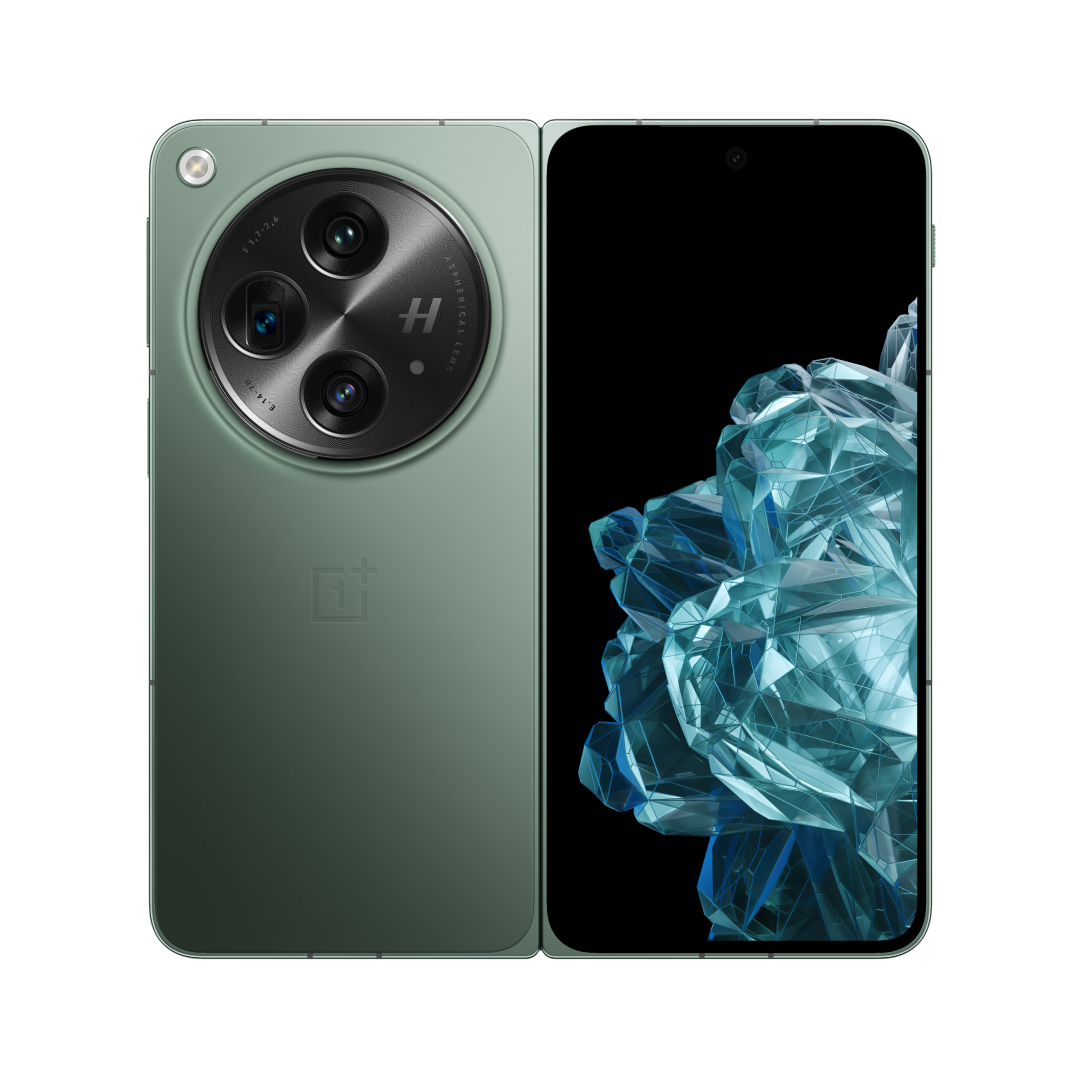
OnePlus has released the OxygenOS 14 Open Beta 2, based on Android 14, for the OnePlus Open. This build brings a couple of bug fixes and also bumps up the Android security patch level to January 2024.
Below is the complete update changelog:
System
- Integrates the January 2024 Android security patch to enhance system security.
- Improves touch control experience.
- Fixes an issue where you might not be able to use FlexForm mode.
- Fixes an issue where some apps in the Home screen taskbar might not respond to your taps.
- Fixes a blur issue that might occur when tapping and holding an app on the Home screen.
- Fixes a display issue that might affect the Lock screen clock widget when you switch from the main screen to the cover screen.
Before upgrading your OnePlus Open, make sure your device is in the latest OxygenOS 13.2 version. The battery level should be above 30%, with a minimum of 4 GB of available storage space.
The application window for this update is open from January 16 until a certain quota of applications is reached. Users are required to submit their applications within this timeframe. To apply, users must confirm that their phone has been updated to the detectable version (CPH2551_13.2.0.203(EX01) or CPH2551_13.2.0.301(EX01)), navigate to Settings > About device > Tap up to date > Tap icon on the top right > Beta program, and then follow the steps provided.
Meanwhile, the OnePlus Open is also receiving a new OxygenOS update, OxygenOS 13.2.0.301, in India. The update incorporates the January 2024 Android security patch along with a few improvements and bug fixes.
This update will reach a limited percentage of users today, with a broader rollout scheduled in the coming days.
Check out the full update changelog:
System
- Improves system stability.
- Improves touch control experience.
- You can now drag to replace the current app with a new one in a three-way split view.
- Integrates the January 2024 Android security patch to enhance system security.
- Fixes a display issue that might occur in Quick Settings.
- The Background stream feature in Smart Sidebar has been removed.
Communication
- Improves the stability of network connections.
Camers
- Improves camera performance for a better user experience.


 Google News