

Pixel Feature Drop is here: All you need to know
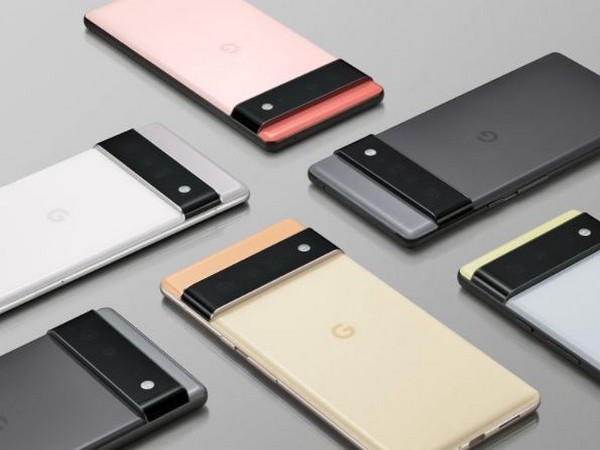
Google's latest Feature Drop for Pixel devices is here and it includes improvements to Call Screen, expanded health and fitness features for the first-gen Pixel Watch and new productivity tools for Pixel Tablet. The update is rolling out to all supported Pixel devices running Android 14 and will continue over the next week in phases depending on carrier and device.
To begin with, the Call Screen feature on Pixel phones is getting even better and can now help get a call started when the caller is silent. Now when a caller is unresponsive, you'll see a "hello" chip. You can tap it and Google Assistant will prompt the caller to speak so that you can know why they are trying to reach you. In case you can't answer the call at that moment, Google Assistant will inform the caller to wait and keep trying to reach you.
With this update, you can now capture and share vivid 10-bit HDR videos directly on Instagram Reels, and upload and share Ultra HDR photos on the Instagram feed.
Next up, the Circle to Search feature is expanding to Pixel 7 and Pixel 7 Pro. To use this feature, long-press the Pixel home button or navigation bar and circle, scribble, highlight or tap an image, text, or video, to get the information you need.
Advanced featureson first-gen Pixel Watch
Google is expanding advanced features from Pixel Watch 2 to the first-gen Pixel Watch. You can utilize the built-in GPS and motion sensors to set a goal pace for your exercise routine on your first-generation Pixel Watch. This feature helps you track your progress by providing haptic feedback and voice cues on the watch, which are triggered when you fall outside your target pace.
Secondly, you can now use Heart Zone Training on your first-gen Pixel Watch to monitor the time you spend in each of your personal heart rate zones, based on your resting heart rate and fitness levels. This feature will help you optimize and guide your workouts.
The workouts user interface has been completely redesigned with larger text and brighter colors.
Next up, the auto-start and auto-stop functionalities are coming to the first-gen Pixel Watch, eliminating the need to manually begin or end a workout. Your Pixel Watch will now automatically start and stop your workouts directly from your wrist when it detects activities like running, walking, elliptical, spinning, outdoor bike, treadmill and rowing.
With Google Maps on Wear OS, you can now get public transit directions on your Pixel Watch and find the best route to your destination. You can simply start a trip from your smartphone and view directions on your watch. If you have an LTE-enabled watch, you can even initiate a trip directly from your wrist.
Pixel Tablet, Pixel Fold or Pixel 5a with 5G and newer phones
With app screen sharing you can share only what you need to, instead of showing your entire screen in a video call. You can share just one app at a time when you cast, record or present in a video call.
You can now easily pair your devices that were previously used with your account. With this update, you can access previously set up Bluetooth accessories on your new phone or tablet and Fast Pair will help you connect your devices.
For Pixel Tablet users, the new Gboard voice toolbar will minimize into a toolbar, optimizing screen space and making multitasking easy, when voice input is activated.


 Google News