

OnePlus Nord CE 2 gets Android 12-based OxygenOS 12 Open Beta
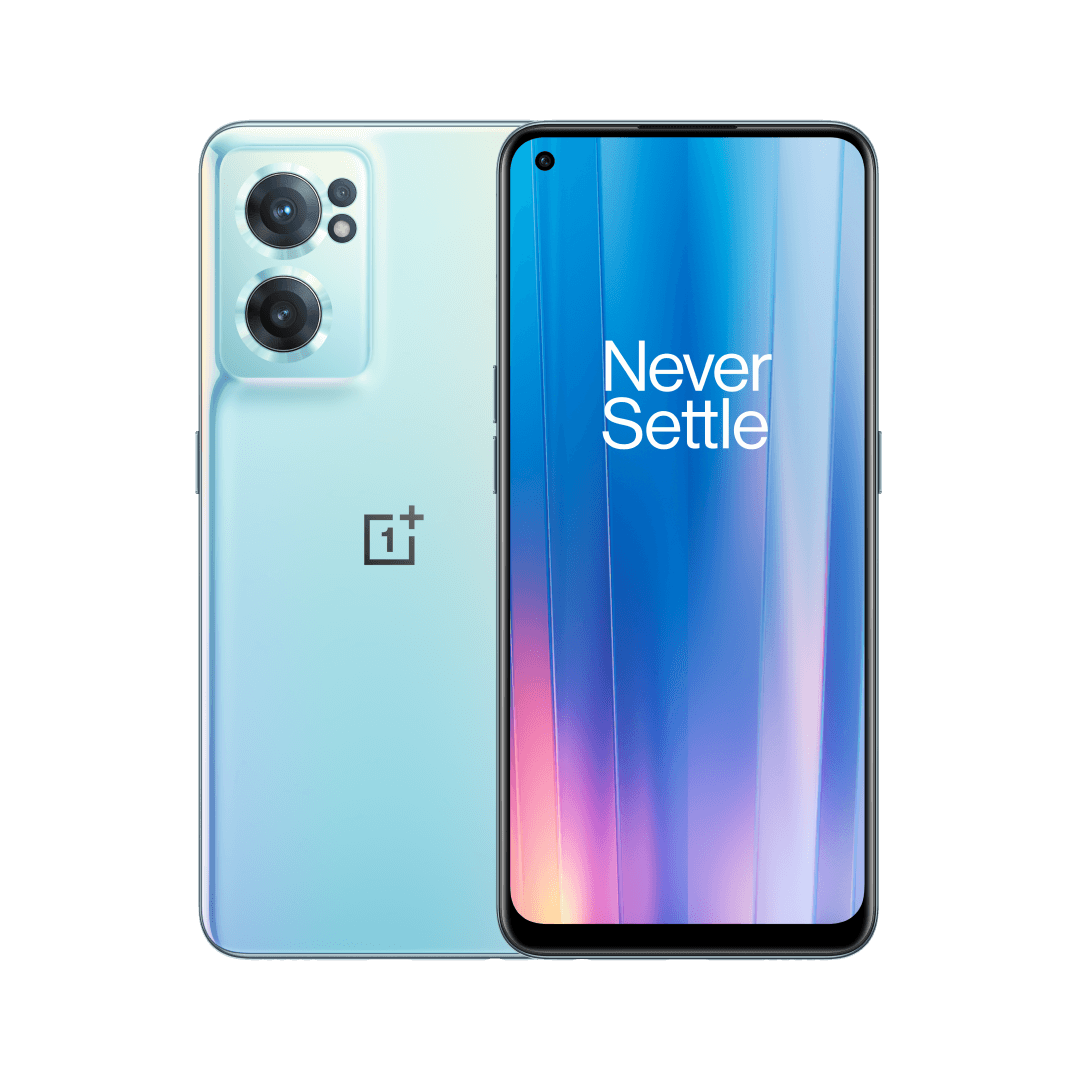
OnePlus has started rolling out OxygenOS 12 Open Beta, based on Android 12, to the OnePlus Nord CE 2. This update optimizes AI System Booster and brings a number of new features including three adjustable dark modes, Work Life Balance and a two-finger pinch gesture in the Gallery app, among others.
The OxygenOS 12 Open Beta is available for OnePlus Nord CE 2 users running the A.13 version. Before upgrading to this build, you need to make sure that the battery level is above 30% and that a minimum of 4GB of storage space is available on your device.
Below is the complete update changelog (via):
System
- Optimized desktop icons with improved textures, by using a design inspired by brand-new materials and uniting lights and layers
- Optimized AI System Booster to 2.1 to support the system to run smoothly even when the load is high
- Optimized software algorithm and improved face recognition to better identify the features and skin color of different figures
Dark mode
- Newly added three adjustable levels, bringing a more personalized and comfortable user experience
Shelf
- Newly added style options for Cards, making data contents more visual and easier to read
- Newly added access to OnePlus Scout in Shelf, allowing you to search multiple contents on your phone, including Apps, Settings, Media Data, etc
- Newly added OnePlus Watch Card in Shelf, to easily glance at your health status
Work Life Balance
- Newly added Work Life Balance feature, allowing you to effortlessly switch between Work and Life mode via quick settings
- Newly supported automatic Work/Life mode switching, based on specific locations, Wi-Fi network, and time, also bringing customized App notification profiles according to the personalization
Gallery
- Newly supported switching between different layouts with a two-finger pinch gesture, intelligently recognizing the best-quality pictures, and cropping the thumbnail based on the content, making the gallery layout more pleasing
Canvas AOD
- Newly added diverse styles of lines and colors, for a more personalized lock screen experience with inspiring visuals
- Newly added multiple brushes and strokes and support for color adjustment
This build also includes a couple of known issues:
Known Issues
- The time displays on AOD abnormally.
- No location information in the video details.
- Sound might not play when connected to a wireless earphone in the App cloner version of WhatsApp.


 Google News