

New feature enhances scrolling smoothness in realme UI
With this feature turned on, users can experience improved speed and smoothness when scrolling through an endless feed on social media apps like Instagram, Facebook, and Twitter.

- Country:
- India
Realme is rolling out a new feature for realme UI users called 'Smooth Scrolling' that the company says will allow for a visually smoother, faster effect when scrolling content downwards or upwards on the phone screen.
With this feature turned on, users can experience improved speed and smoothness when scrolling through an endless feed on social media apps like Instagram, Facebook, and Twitter. As shown in the gif, the new feature not only makes the content scroll faster but with just one swipe upwards the scrolling stops much later and reaches further down the page.
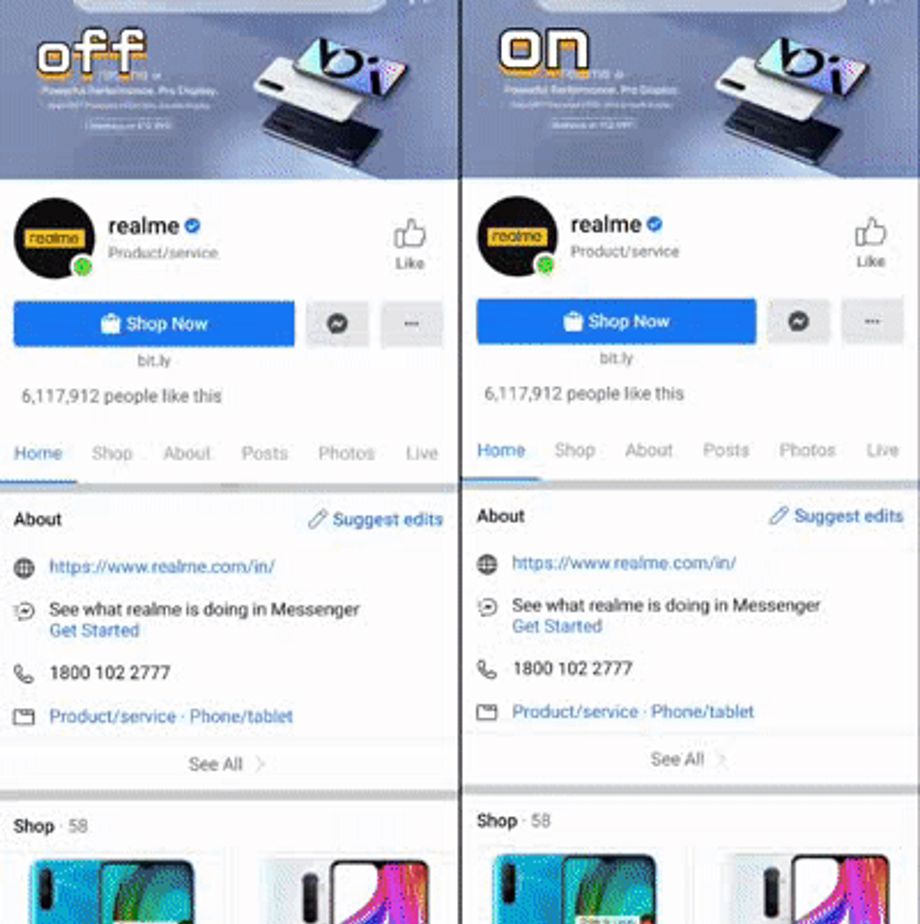
Realme said that the Smooth Scrolling feature is part of the realme lab project and will soon be available to all realme devices running realme UI. To activate the feature, head over to Settings > realme Lab and turn on Smooth scrolling.
The feature is currently available in some Realme devices including the Realme XT, Realme X, Realme X2, Realme X2 Pro, Realme X3, Realme X3 SuperZoom, Realme 3 Pro, and Realme 5 Pro.
Realme UI is Realme's customized Android-based operating system. It features Always-On Display, a wide range of System Themes, customized icon shape, Focus Mode, Smart Sidebar, navigation gestures, Digital Wellbeing, among others.


 Google News