

New update brings Galaxy Z Fold's popular features to Galaxy Fold
- Country:
- United States
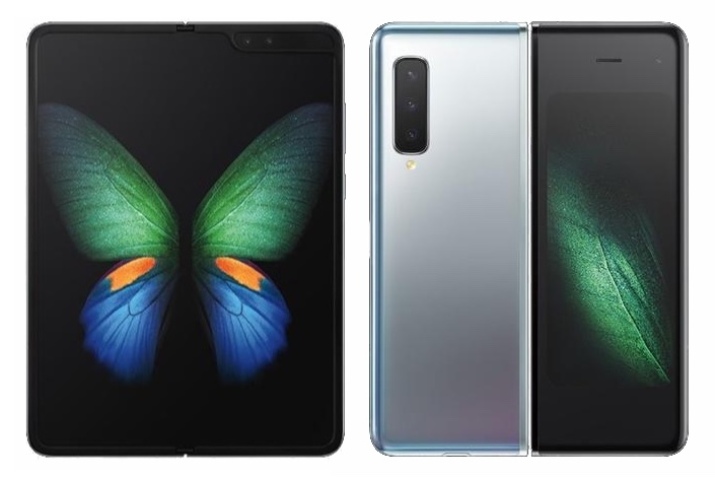
Samsung is rolling out a new software update that brings Galaxy Z Fold's popular features such as Dual Preview, App Pair, Auto framing, etc. to the Galaxy Fold.
From improving productivity capabilities to unique camera experiences, the new update takes Galaxy Fold's performance to the next level. Here is everything that the latest update brings:
Multi-tasking
App Pair: This feature lets users launch up to three of their favorite apps together in a preferred split-screen layout. It can be accessed via the Edge Panel by swiping the side of the screen.
The Multi-Active Window layout which allows users to open multiple files from the same app at the same time and view them side by side can now be arranged horizontally.
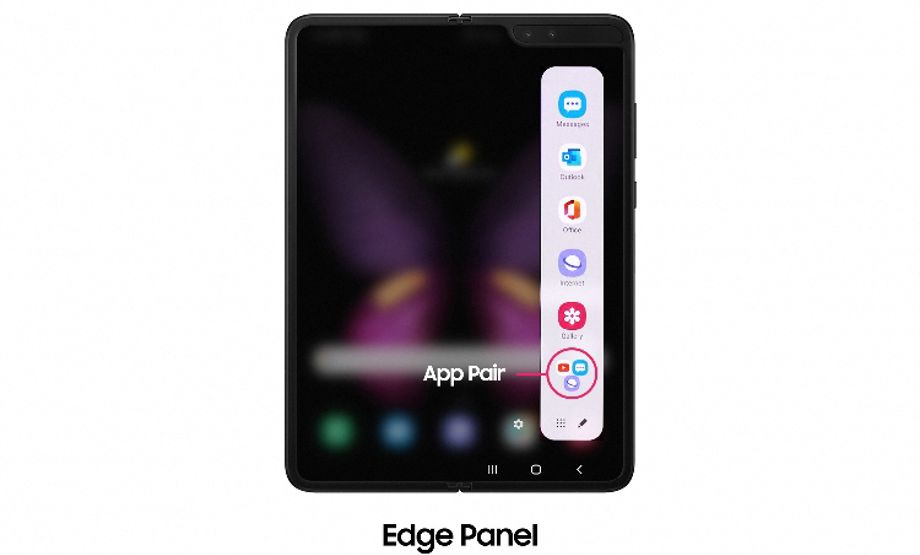
Image Credit: Samsung
With Samsung DeX, Galaxy Fold users can easily connect the device wirelessly to a Smart TV. All you need to do is tap on the Samsung DeX icon in the quick panel and once the two devices are connected, you can customize the second screen to suit your needs with screen zoom and various font size options.
Camera
Talking about the new camera features, the update brings Auto framing that depending on how many people are in front of the camera, zooms in or out to ensure the Galaxy Fold captures the moment whilst tracking motion to keep the subject centrally framed. With Capture View Mode, Galaxy Fold users can capture and review photos in real-time. It shows you up to five of the latest photos or videos on the left side of the main screen while giving you a preview of your next shot on the other half.
Next in line is the Dual Preview feature that allows for using the Main and Cover Screen at the same time so that the subject and the photographer can see what's being captured. The Dual Preview feature also works in Pro Video mode that now allows capturing 21:9 ratio and 24fps video and creative functions (histogram, focus peaking) and Single Take.
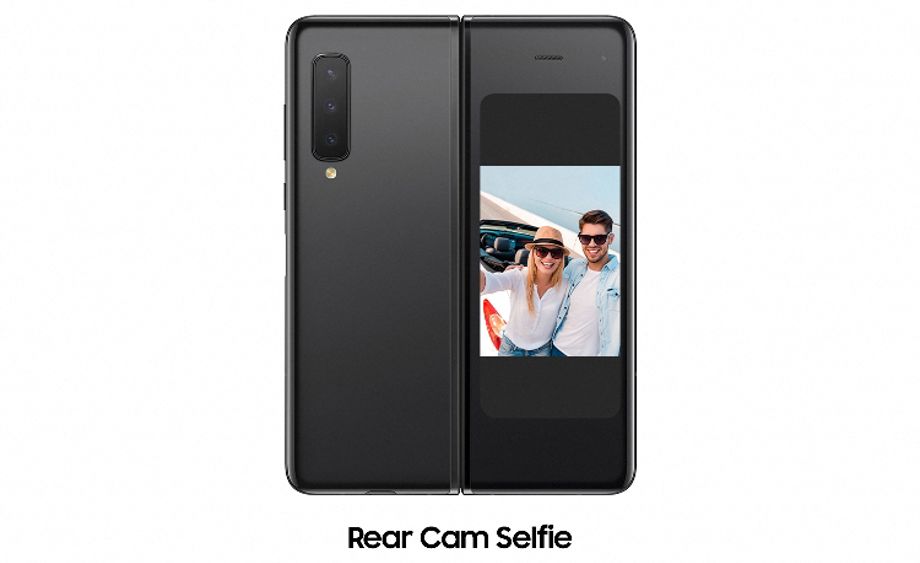
Image Credit: Samsung
Galaxy Fold users can now use the rear camera to take selfies. Just open the Camera app on the Cover Screen and activate Rear Cam Selfie.
Connectivity
As for connectivity, the new software update allows Galaxy Fold users to directly share the password of the Wi-Fi they are connected to trusted Galaxy devices near them. The new feature also shows the speed of nearby connections (Very Fast, Fast, Normal Slow) to help users connect to a suitable network.


 Google News