

New source types added to Google Docs citation tool
The new citation source types in Google Docs are gradually rolling out to Rapid Release domains while full roll-out for Scheduled Release domains will commence on April 26, 2021. It is available to all Workspace customers, as well as G Suite Basic and Business customers.
Google has added four new citation source types in Docs, allowing you to use Film, TV Series, TV Episode and Miscellaneous as citations in addition to the existing types that include books, websites, journal articles, and newspaper articles.
The new citation source types in Google Docs are gradually rolling out to Rapid Release domains while full roll-out for Scheduled Release domains will commence on April 26, 2021. It is available to all Workspace customers, as well as G Suite Basic and Business customers.
You can find and use these citations source types in the Tools menu. Google says the new additions will make writing academic papers easier as users won't have to copy citations from other tools.
How to add and delete a citation source in Google Docs?
To add citations, open a document in Google Docs and then:
- Select Tools > Citations
- In the sidebar, select your formatting style from MLA, APA, or Chicago Author-Date
- Click +Add citation source
- Select your source type
- Select how you accessed your source
- Enter your source information in the fields (To add multiple contributors, click + Contributor)
- Click Add citation source
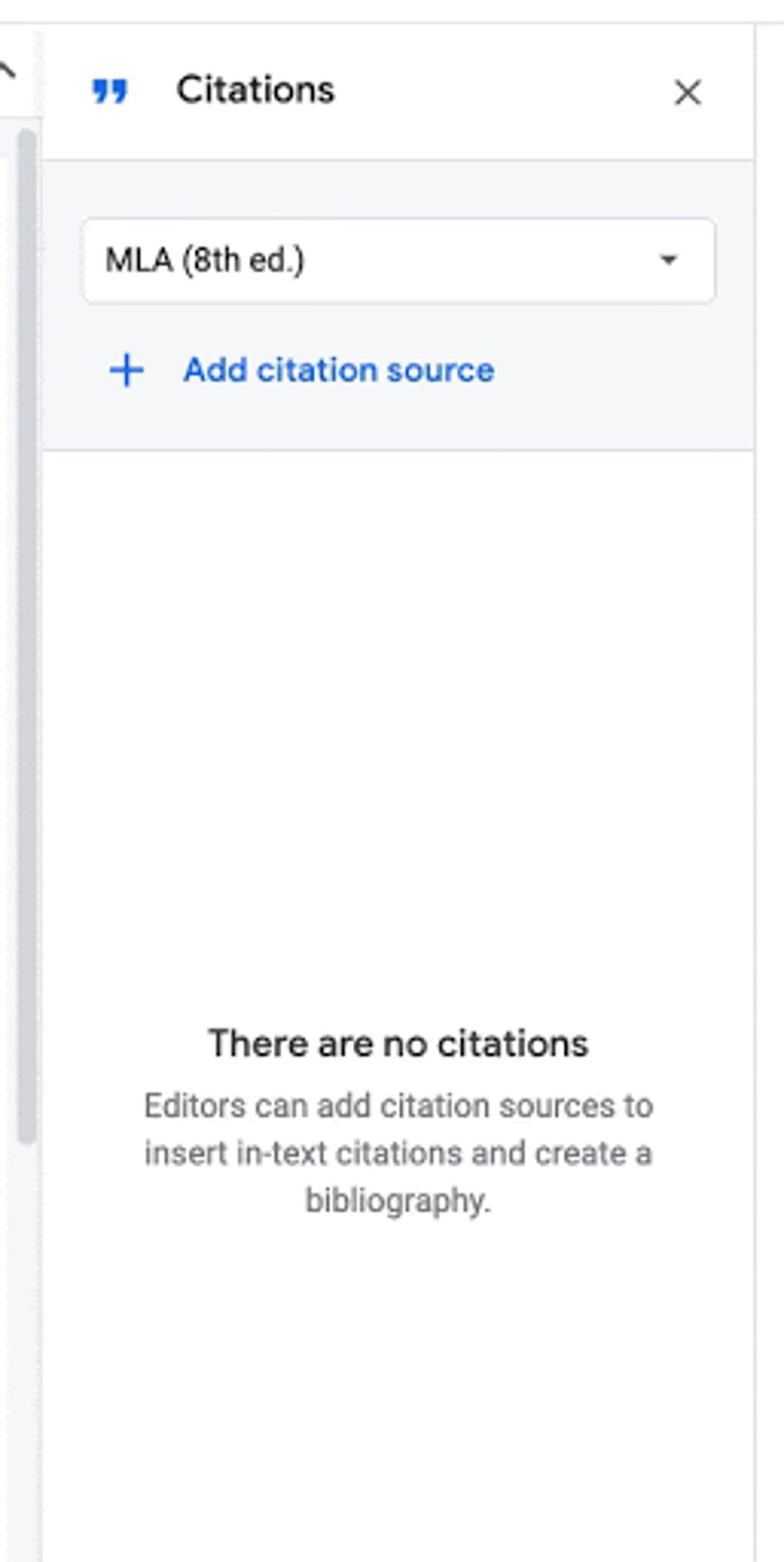 Gif credit: Google
Similarly, you can delete a citation source by:
- hovering over the source you want to delete in the Citations sidebar
- click on the menu button (three-dot) > delete


 Google News