

You can now insert emojis directly inline with your text in Google Docs
Back in April 2022, Google introduced a new emoji reactions feature in Docs on the web that allows users to express their opinions about document content. Building upon this feature, the company has now added a new way for users to search for and insert emojis directly inline with the text.
To search for and add emojis directly inline with text in Google Docs,
- Type "@" followed by a descriptor, such as "@smile" or
- Type "@:" or ":" to see a dropdown list of emojis and the option to navigate to the entire catalog of emojis.
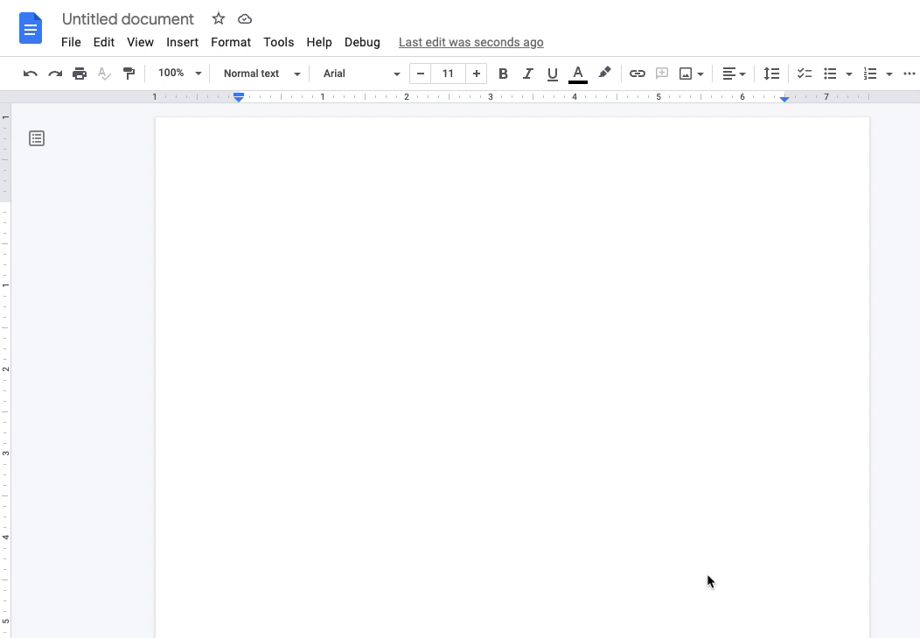 Gif Credit: Google Workspace Updates
The new functionality is gradually rolling out to Rapid Release domains and may take up to 15 days to be fully visible. On the other hand, a gradual rollout for Scheduled Release domains will begin on September 12, 2022.
The ability to insert emojis inline with text in Google Docs will be available to all Google Workspace customers, legacy G Suite Basic and Business customers as well as to users with personal Google Accounts.


 Google News