

You can now use filters to refine search results in Google Chat on the web

You can now search Google Chat content much faster on the web using search chips that filter your search results. This feature was already available on mobile and is now expanding to the web.
To find a specific message using search filter chips:
- Type your keyword(s) in the search bar in chat.google.com and hit enter.
- On the search results page, you can see the filter chips above the results
- Click on a filter chip to apply the filter on the search results.
For Chat in Gmail:
- Type your keyword(s) in the search bar
- Navigate to the "messages" tab on the search results page
- You can see the filter chips above the results
- Click on a filter chip to apply the filter to the search results
You can use the following filters to refine your search results:
- From: Messages sent from specific people.
- Said in: Messages said in a specific conversation or space.
- Date: Messages sent during a specific date range.
- Has file: Messages that include documents, spreadsheets, slides, and more.
- Has link: Messages that include links.
- Mentions me: Messages that mention you.
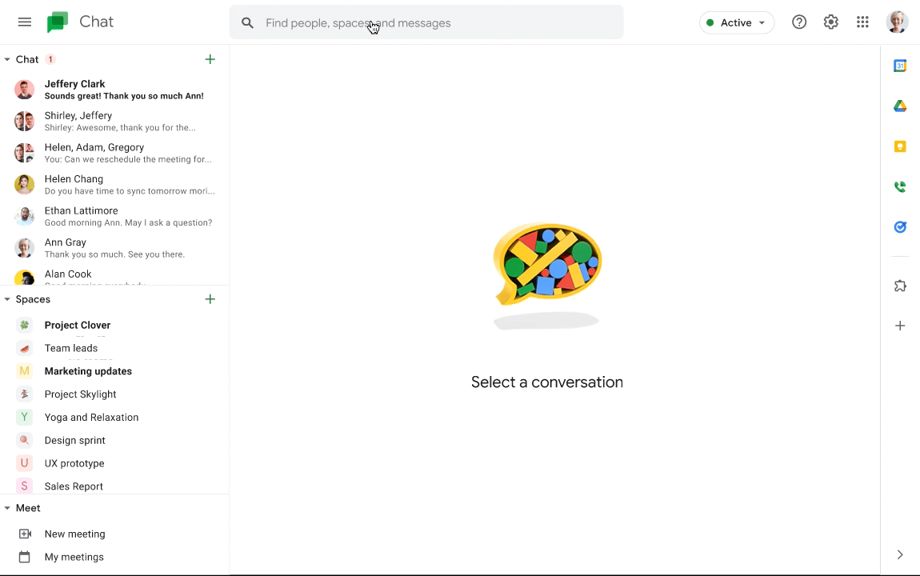
Gif Credit: Google Workspace Updates
The ability to refine search results in Google Chat with search chips is available to all Google Workspace customers, legacy G Suite Basic and Business customers as well as to users with personal Google Accounts.


 Google News