

You can now collaborate with others to draft Calendar invites in Google Docs
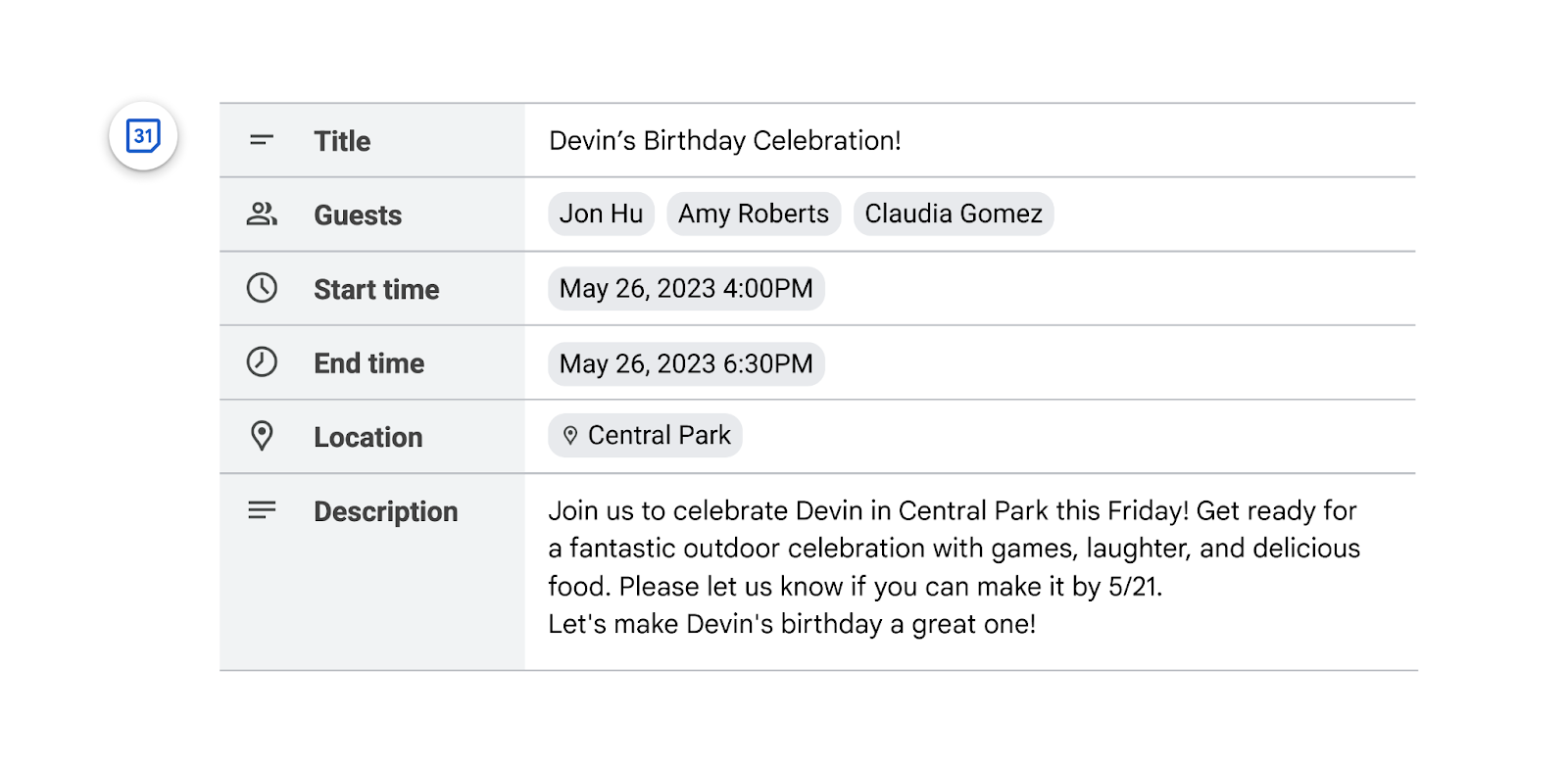
Google is adding a new building block that lets you collaborate with others to draft Calendar invites in Google Docs. You can add event titles, descriptions, dates, start and end times, locations, and attendees to the calendar event.
Just like the email draft template, after finishing the invitation, you can simply click on the Calendar icon to quickly import the details into Google Calendar when you are ready to send it.
End users must have edit access to a Google Doc to use this feature. If granted, open a Google Doc and
- Type "@Calendar event draft" > hit enter.
- You can also go to Insert > Building blocks > Calendar event draft.
For Rapid Release domains, the new feature will be gradually rolled out with visibility taking up to 15 days, starting from May 17, 2023. On the other hand, for Scheduled Release domains, the rollout will also be gradual with feature visibility stretching up to 15 days, commencing from May 30, 2023.
The new feature will be available to Google Workspace Business Standard, Business Plus, Enterprise Standard, Enterprise Plus, Education Plus customers, and Nonprofits. However, this feature will not be accessible to users of Google Workspace Essentials Starter, Business Starter, Enterprise Essentials, Enterprise Essentials Plus, Education Fundamentals, Education Standard, the Teaching and Learning Upgrade, Frontline Starter, and Frontline Standard. Additionally, it will not be available to individuals with personal Google Accounts.


 Google News