



OxygenOS 14 stable update rolling out to OnePlus Nord CE 3 5G
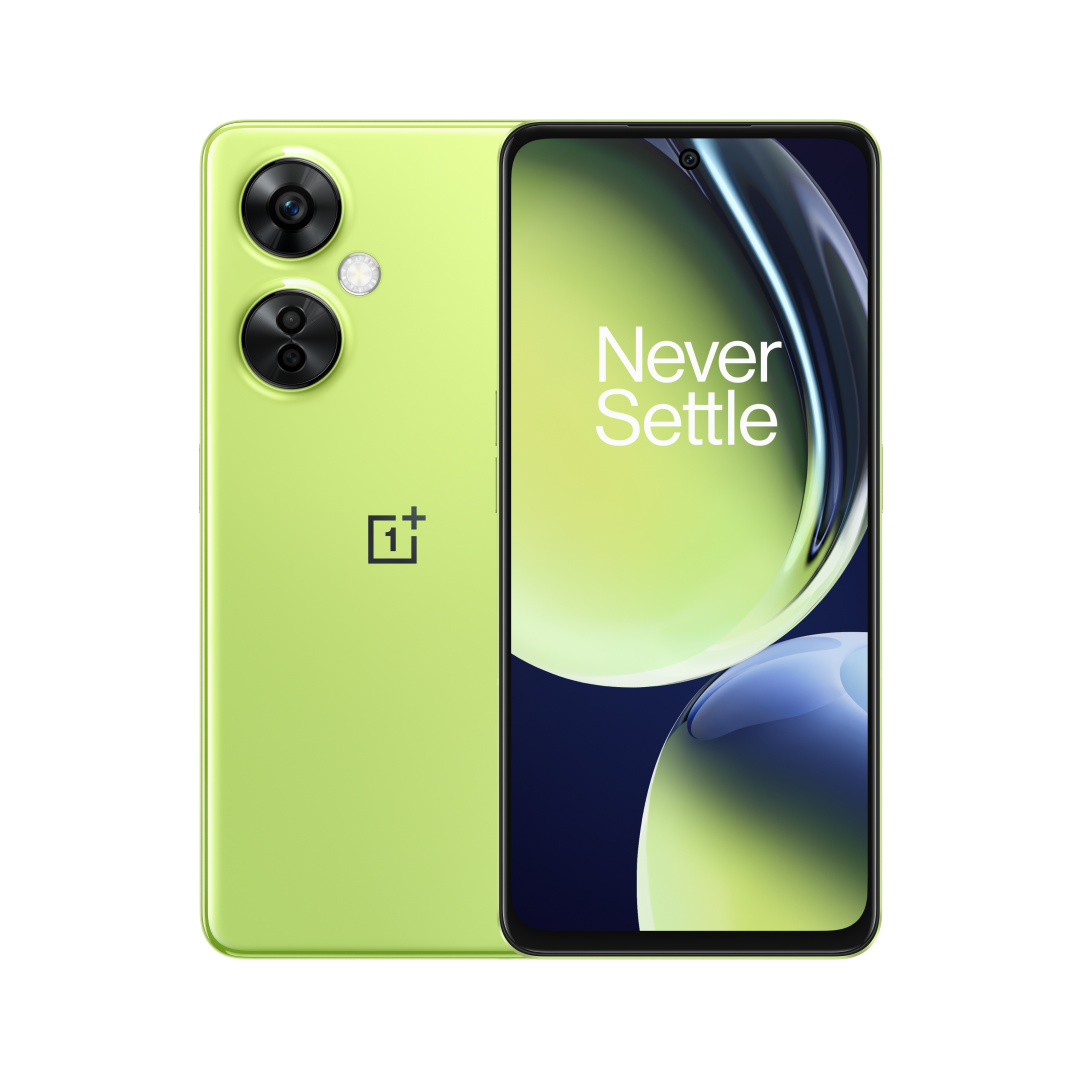
- Country:
- India
OnePlus has released the OxygenOS 14 stable update (based on Android 14) to the OnePlus Nord CE 3 5G in India. This build will be firstly pushed directly to users who participated in the Close Beta and Open Beta versions, and then it'll be gradually pushed to more users, the Chinese smartphone maker said on Wednesday.
The update changelog includes new features including File Dock, upgraded Aquamorphic Design and other improvements to improve the overall user experience.
Here's the full changelog for OnePlus Nord CE 3 5G OxygenOS 14 stable update:
Smart efficiency
- Adds File Dock, where you can drag and drop to transfer content between apps and devices.
Cross-device connectivity
- Improves Clone Phone to allow quicker device verification and data migration.
Security and privacy
- Improves photo and video-related permission management for safer access by apps.
Performance optimization
- Improves system stability, the launch speed of apps, and the smoothness of animations.
Aquamorphic Design
- Upgrades Aquamorphic Design with a natural, gentle, and clearer color style for a more comfortable color experience.
- Adds Aquamorphic-themed ringtones and revamps the system notification sounds.
- Improves system animations by making them even smoother.
User Care
- Adds a carbon tracking AOD that visualizes the carbon emissions you avoid by walking instead of driving.
Before upgrading your device to this build, make sure the battery level is above 30%, and a minimum of 5GB of storage space is available. You also need to ensure that your phone has been updated to the detectable version: CPH2569_13.1.1.501(EX01).
If you meet these requirements, you can upgrade by heading over to Settings > About device > tap up to date > tap icon on the top right > beta program > follow the steps to apply > check for updates.


 Google News