

Here's everything iOS 14.3 update brings to Apple devices
The latest update adds the ability to capture photos in Apple ProRAW on iPhone 12 Pro and iPhone 12 Pro Max along with a new privacy information section on App Store pages and Ecosia search engine option in Safari, among other features.
- Country:
- United States
Apple has started rolling out the iOS 14.3 and iPadOS 14.3 update that brings new features, bug fixes and adds support for Apple Fitness+ service and AirPods Max.
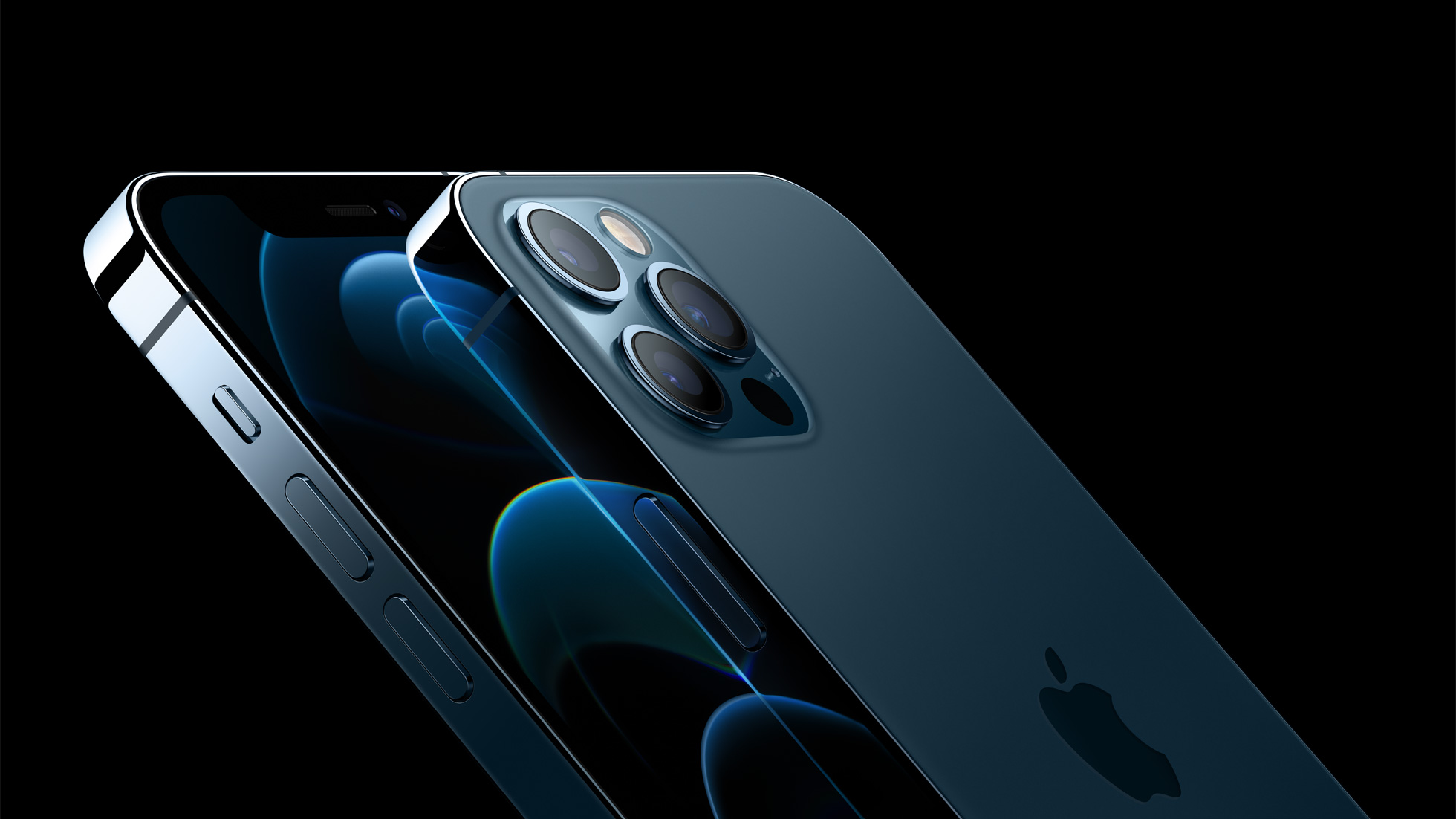
The latest update adds the ability to capture photos in Apple ProRAW on iPhone 12 Pro and iPhone 12 Pro Max along with a new privacy information section on App Store pages and Ecosia search engine option in Safari, among other features.
Here's the complete changelog for the iOS 14.3 update:
Apple Fitness+
- A new fitness experience powered by Apple Watch with studio-style workouts available on your iPhone, iPad, and Apple TV (Apple Watch Series 3 and later)
- New Fitness app on iPhone, iPad, and Apple TV to browse Fitness+ workouts, trainers, and personalized recommendations
- Video workouts added each week in ten popular workout types: High Intensity Interval Training, Indoor Cycling, Yoga, Core, Strength, Dance, Rowing, Treadmill Walking, Treadmill Running, and Mindful Cooldown
- Playlists curated by Fitness+ trainers to complement your workout
- Fitness+ subscription available in Australia, Canada, Ireland, New Zealand, United Kingdom, and United States
AirPods Max
- Support for AirPods Max, new over-ear headphones
- High fidelity audio for rich sound
- Adaptive EQ adapts sound in real time to the personal fit of ear cushions
- Active Noise Cancellation to block out environmental noise
- Transparency mode to hear the environment around you
- Spatial audio with dynamic head tracking for a theater-like listening experience
Photos
- Apple ProRAW photos can be captured on iPhone 12 Pro and iPhone 12 Pro Max
- Apple ProRAW photos can be edited in the Photos app
- Option to record video at 25 fps
- Mirror the front facing camera for still photos on iPhone 6s, iPhone 6s Plus, iPhone SE, iPhone 7, iPhone 7 Plus, iPhone 8, iPhone 8 Plus, and iPhone X
Privacy
- New privacy information section on App Store pages that includes a developer-reported summary of the app's privacy practices
TV app
- An all-new Apple TV+ tab makes it easy to discover and watch Apple Original shows and movies
- Enhanced search so you can browse by category such as genre, and see recent searches and suggestions as you type
- Top search results shown with the most relevant matches across movies, TV shows, cast, channels, and sports
App Clips
- Support for launching App Clips by scanning Apple-designed App Clip Codes via Camera or from Control Center
Health
- Ability to indicate pregnancy, lactation, or contraceptive use in Cycle Tracking in the Health app in order to better manage period and fertile window predictions
Weather
- Air quality data is now available in Weather, Maps, and Siri for locations in China mainland
- Air quality health recommendations are provided in Weather and Siri for the United States, United Kingdom, Germany, India, and Mexico at certain air quality levels
Safari
- Ecosia search engine option in Safari
The iOS 14.3 update addresses the following issues:
- Some MMS messages may not be received
- Some Messages notifications may not be received
- Contact groups failed to display members when composing a message
- Some videos would not appear correctly when shared from the Photos app
- App folders may fail to open
- Spotlight search results and opening apps from Spotlight may not work
- Bluetooth could be unavailable in Settings
- Devices could be prevented from charging wirelessly
- MagSafe Duo Charger could wirelessly charge your iPhone at less than the maximum power
- Wireless accessories and peripherals using the WAC protocol could fail to complete setup
- The keyboard would dismiss when adding a list in Reminders while using VoiceOver


 Google News