

Here's how to install October OTA update in Realme 3 Pro
- Country:
- China
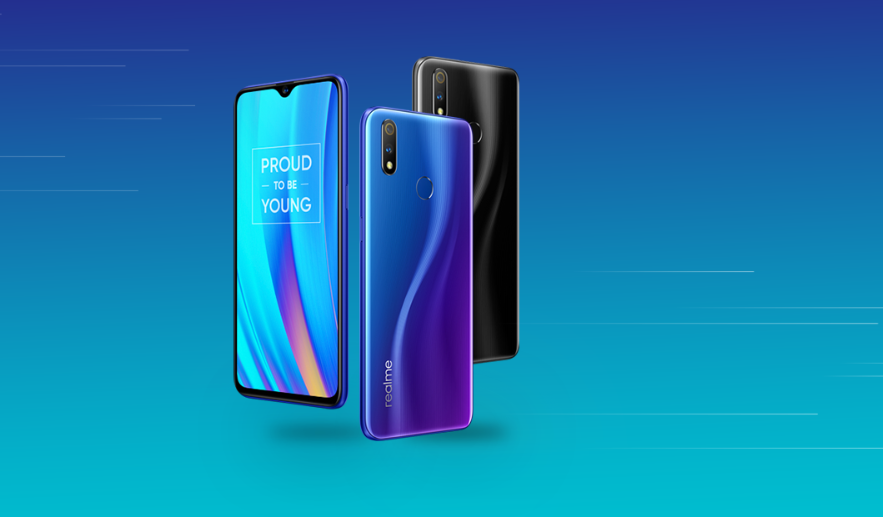
Realme 3 Pro has begun receiving the OTA update, version RMX1851EX_11_A.20, that brings October Android security patch, Dark Mode, realme Laboratory, an updated firmware version and more features to the device which was announced back in April 2019.
According to Realme, this is a staged rollout and the OTA is being randomly pushed out to a limited number of users. The broader rollout will take place in a few days after the company ensures that there are no critical bugs, thereafter the full rollout will be completed in the upcoming days.
Here's the full changelog:
Security
- Android security patch: October 2019
System
- Added Dark Mode
- Updated charging animation
- Added fast switch toggle between SIM in the notification center
Notification Center and Status Bar
- Removed the reminder when the hotspot is enabled
- Removed the prompt when the phone is rooted
- Added option to swipe down on the home screen for global search or notification center
Settings
- Added realme Laboratory
- Added option for notification dots for updates
Touch
- Updated firmware version to optimize the gaming experience
How to install the update?
Before installing the update, it is recommended to back up the phone data and keep the battery level over 30 percent.
To check for the update, visit 'Settings' or download the OTA package directly from Realme's Software Upgrade page which will consume 2.74GB space in your Realme 3 Pro.
Here is how to install the update via the page link:
Simple mode
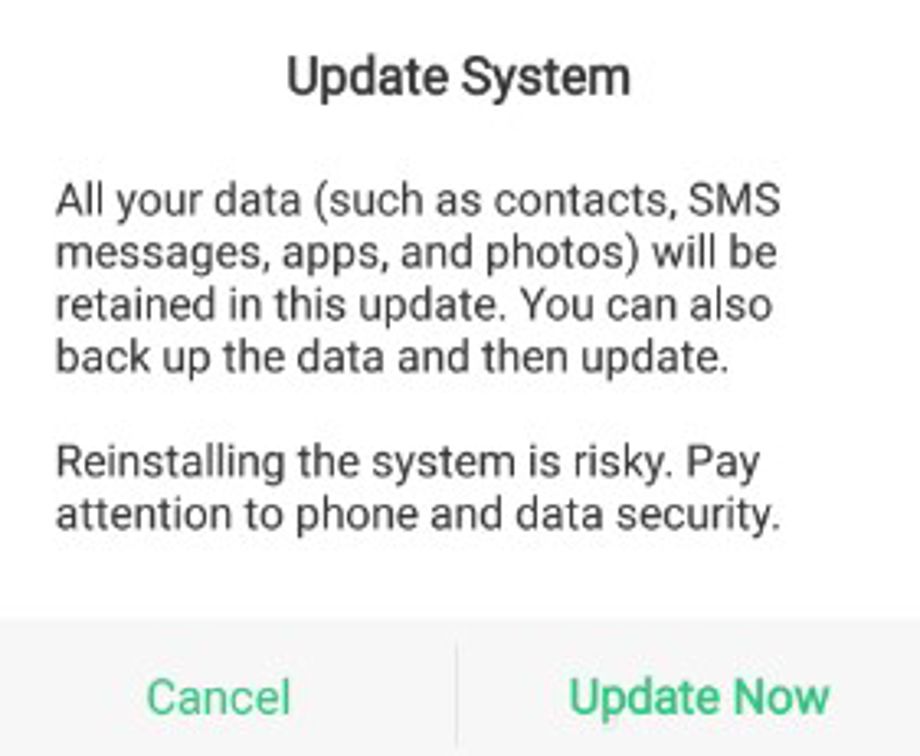 Image Credit: Realme
- After downloading the firmware, transfer it to the phone storage
- Go to the File Manager and find the firmware, then
- Tap the firmware
- Update Now, and wait for the update to complete successfully.
Recovery Mode
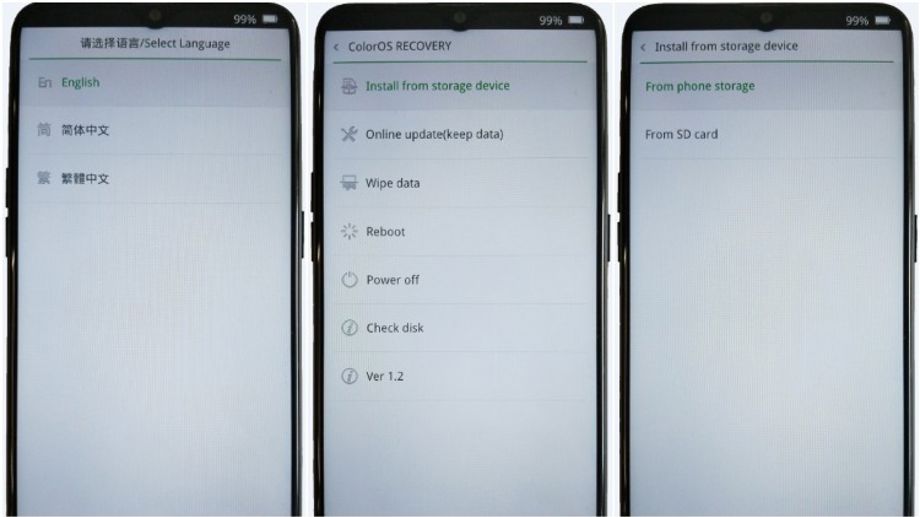 Image Credit: Realme
- Transfer the downloaded firmware to the phone or SD card storage
- Power off the phone
- Press and hold the Power and Volume Down buttons simultaneously, until the phone enters Recovery Mode
- Choose your preferred language
- Tap on 'Install from storage device'
- Select 'From phone storage' or 'From SD card' (where the firmware is stored)
- Click on the firmware and then confirm to update


 Google News