



Xbox Cloud Gaming (Beta) now available on Windows 10 PCs via Xbox app
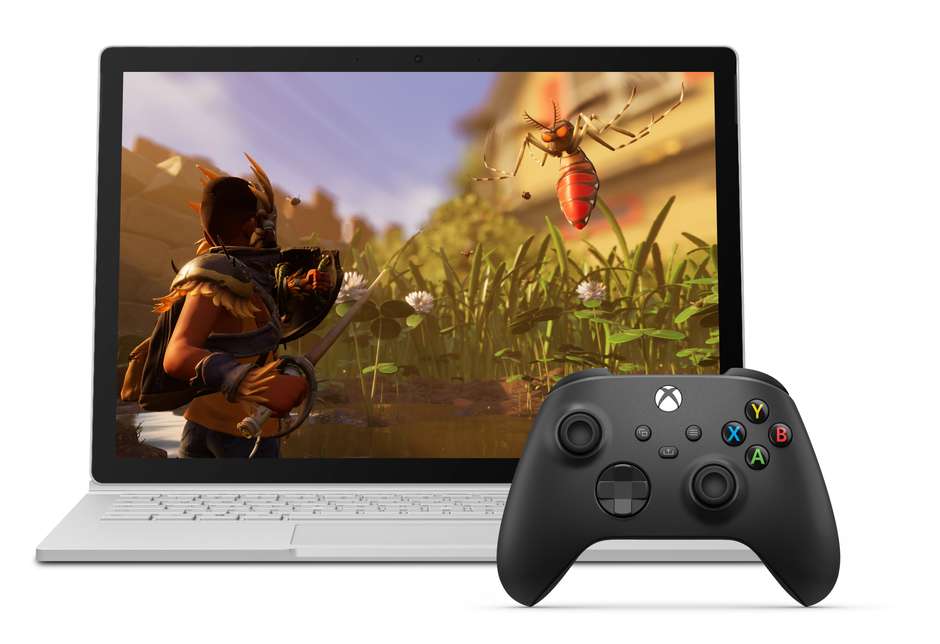
To play Xbox cloud games on your Windows 10 PC with the Xbox app, connect a compatible controller via Bluetooth or USB, launch the Xbox app, click the “cloud games” button, select your game and start playing.
- Country:
- United States
Microsoft has expanded Xbox Cloud Gaming (Beta) to Windows 10 PCs via the Xbox App. It is now available for Xbox Game Pass Ultimate members in 22 countries who are part of the Insider program.
To play Xbox cloud games on your Windows 10 PC with the Xbox app, connect a compatible controller via Bluetooth or USB, launch the Xbox app, click the “cloud games” button, select your game and start playing.
Xbox Cloud Gaming with the Xbox App will let you:
- Play over 100 high-quality Xbox console games from every genre with your friends
- Pick up from a saved game you started on your Xbox
- Try out a whole new game from the Xbox Game Pass library to decide if you want to download it to your console
Additionally, Microsoft has added new features including easy-to-access information on a controller and network status, social features to stay connected and the ability to invite people to join you in a game, even those also playing on the cloud.
It's our continued goal to make gaming available to all players around the world, wherever you are, on the devices you want. We're doing this by offering gamers a choice to play Xbox games by downloading to console and PC, or playing from the cloud on Windows PCs, phones, and tablets.


 Google News