



OxygenOS 12 stable update rolling out to OnePlus 8/8T and OnePlus 9R
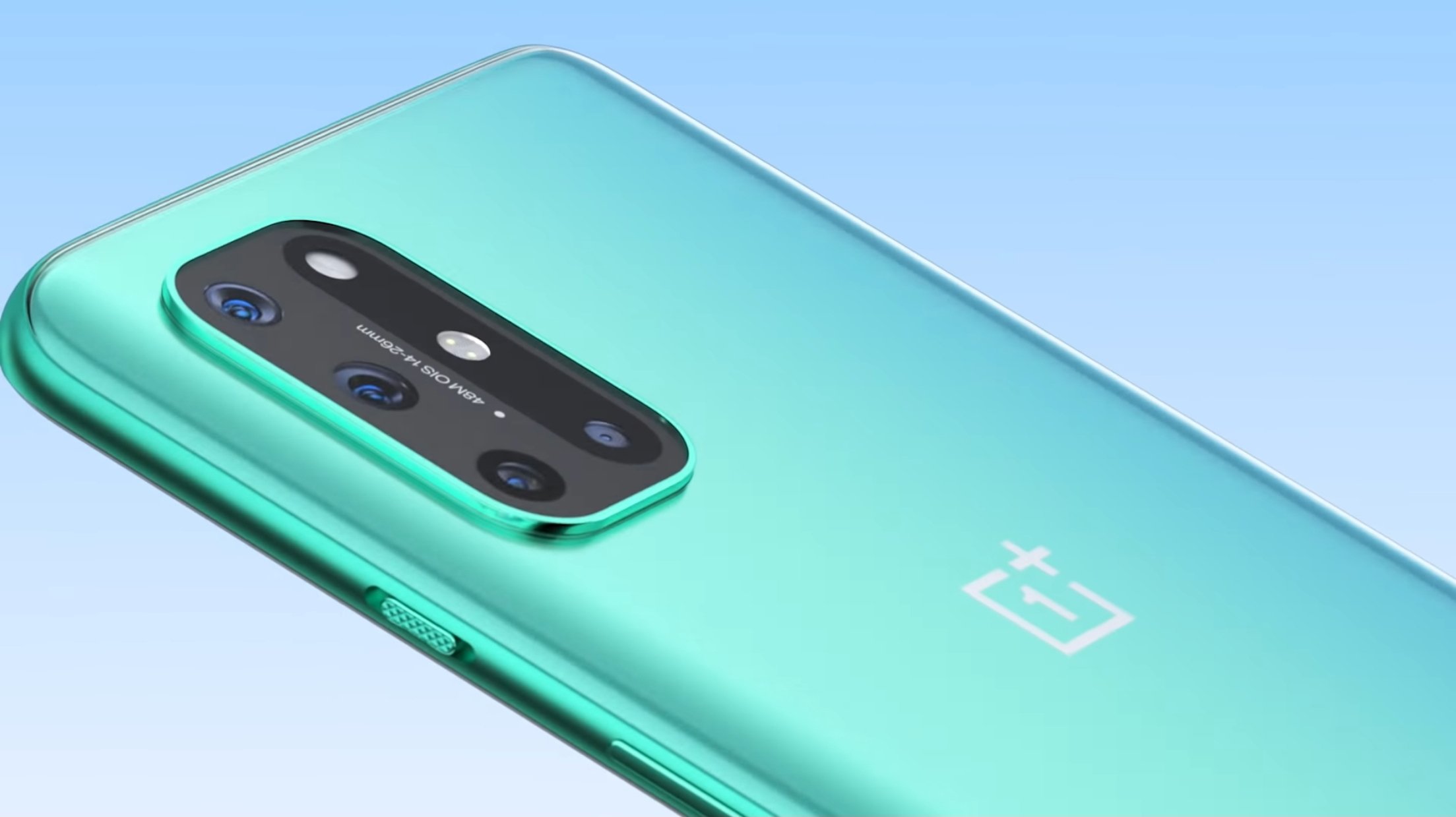
OnePlus has released the stable OxygenOS 12 update, based on Android 12, for the OnePlus 8 series, OnePlus 8T and the OnePlus 9R. Announcing this update, OnePlus said that this build is currently rolling out to OBT users in India and the NA region, and will soon roll out to stable branch users.
Below is the complete update changelog shared by the company on the OnePlus Community forums:
- System
- Optimized desktop icons with improved textures, by using a design inspired by brand-new materials and uniting lights and layers
- Fixed the issue that background applications are abnormally closed in specific scenarios
- Fixed the issue with lens permissions when using third party camera applications
- Fixed the issue of the screen cannot respond when receiving notifications
- Dark mode
- Dark mode now supports three adjustable levels, bringing a more personalized and comfortable user experience
- Shelf
- New additional style options for Cards, making data contents more visual and easier to read
- Newly added Earphone Control Card with Bluetooth earphone one-click adjustment
- Newly added access to OnePlus Scout in Shelf, allowing you to search multiple contents on your phone, including Apps, Settings, Media Data, etc
- Newly added OnePlus Watch Card in Shelf, to easily glance at your health stats
- Work Life Balance
- Work Life Balance feature is now available to all users, allowing you to effortlessly switch between Work and Life mode via quick settings
- WLB 2.0 now supports automatic Work/Life mode switching, based on specific locations, Wi-Fi network, and time, also bringing customized App notification profiles according to the personalization
- Gallery
- Gallery now allows you to switch between different layouts with a two-finger pinch gesture, intelligently recognizing the best-quality pictures, and cropping the thumbnail based on the content, making the gallery layout more pleasing
- Canvas AOD
- Canvas AOD brings you new diverse styles of lines and colors, for a more personalized lock screen experience with inspiring visuals
- Newly added multiple brushes and strokes and support for color adjustment
- Optimized software algorithm and improved face recognition to better identify the features and skin color of different figures
- Network
- Fixed the issue that unable to automatically connect to Wi-Fi
- Bluetooth
- Fixed the issue that wireless earphones cannot play sound when connecting Bluetooth in specific scenarios
This update includes a couple of known issues as well. These include:
- The clock displays smaller. You can try to adjust it manually or delete it and add the clock widget again
- Phone application may be replaced by Contacts in Dock. You can adjust it manually to move the Phone application in the right place


 Google News