

OnePlus announces OxygenOS 14 Closed Beta Testing for OnePlus 10 Pro
- Country:
- India
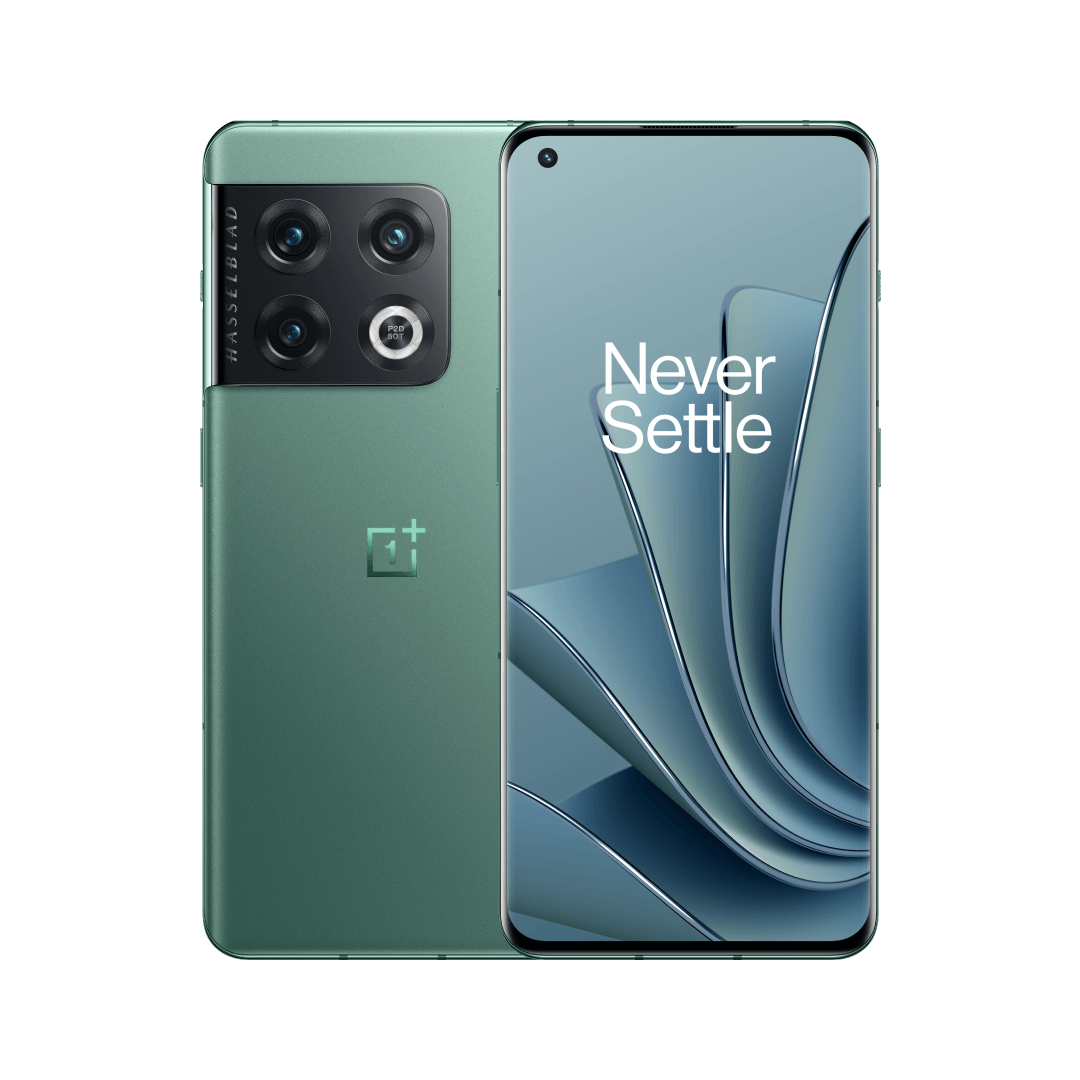
OnePlus is hiring OxygenOS 14 Closed Beta Testers for the OnePlus 10 Pro in India. If you are interested in testing the new software, based on Android 14, ahead of the official release, you can apply for this program starting today.
To submit the application, Go to Settings > About device > Tap up to date > Tap icon on the top right > Beta program and follow on-screen instructions.
OnePlus is hiring 500 people who meet the following requirements with a OnePlus 10 Pro India device to attend this OxygenOS 14 Closed Beta Program.
- Confirm your phone has been updated to the detectable version: NE2211_13.1.0.591(EX01)
- You are an active OnePlus Community member
- You are willing to regularly communicate and report issues/suggestions to the OnePlus team via the Feedback APP
- You are willing to join OnePlus' CBT Telegram group to communicate with the OnePlus team and other users actively and friendly
If you pass the application review, you will receive the build in 3 workdays. To download the version, go to Settings > About device > Download Now.
After upgrading, you may face problems like flashbacks, no response, and others because some 3rd-party applications are not compatible with Android 14. OnePlus advises users to update these applications to the latest version in the Play Store.
Additionally, users are recommended to save all the data to avoid data loss.
"Also worth noticing, this program will sometimes require flashing builds that require a clean flash, which means it will cause data loss. So it is highly recommended that you remember to save all your data all the time. The CBT version is not considered a stable build, and is still in development. If you join the CBT version testing, you must remain patient, tolerate its instability, and accept all risks and issues that come with it," OnePlus said.
This build also includes some known issues:
Known issues
- Flashing screen issue when adjusting brightness in the status bar under a dark environment.
- Flashing screen issue when using fingerprint unlock on the lock screen.
- Abnormal display when switching screen resolution.
- Desktop static wallpaper is dimmed after switching to dark mode in the status bar.
- Dynamic wallpaper may switch to static wallpaper after upgrading.
- Flashing screen issue when unlocking with fingerprint in TikTok interface.


 Google News