

Microsoft rolls out new features to Copilot for Windows 11
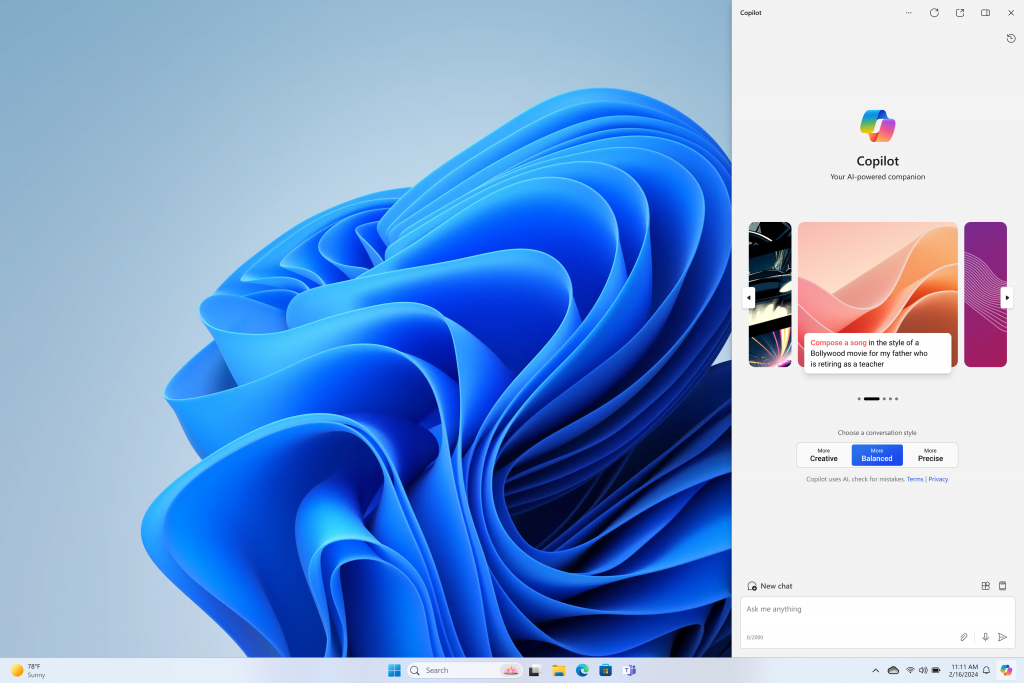
Microsoft is rolling out new features to Copilot for Windows 11 including plugins from apps like OpenTable, Shopify and Kayak, along with new skills to simplify tasks and use of Windows.
"As we continue to innovate with Windows, we're delighted to introduce some useful new features to our Copilot Preview for Windows 11. These new capabilities build on the introduction of the Copilot Key on new Windows 11 PC keyboards, updates to the Copilot icon on the taskbar, and the ability to dock, undock and resize the Copilot pane," Microsoft wrote in a blog post.
With Copilot in Windows plugins, you can now easily accomplish tasks like making a dinner reservation with friends. Simply ask Copilot and OpenTable to handle it. In case you change your mind and want to stay in, simply prompt Copilot with "Create a healthy dinner party menu for 8" and watch your options unfold.
Starting in late March, you will see new skills that will help you get things done like adjusting your PC settings, emptying the recycle bin and showing available Wi-Fi network, among others. To use these skills, simply type in a prompt to Copilot in Windows like "enable battery saver" or "turn off battery saver" and Copilot will take the appropriate action and confirm completion.
Copilot in Windows (in preview) is available in select global markets and will be rolled out to additional markets over time.
In parallel, Microsoft is rolling out new creativity app updates.
- Generative Erase: You can now select and remove unwanted objects or imperfections from your images using the new Generative Erase feature on the Photos app.
- Clipchamp silence removal preview: Starting today, you can use this feature to automatically remove silence from videos in the Clipchamp video editor.


 Google News