

Gmail users can now grant access to Drive files directly from email
With dynamic email, Gmail users can review the request, choose the access level ( edit, comment, or view), and grant access directly from the email. Prior to this, users had to open the document in a new tab or app to manage the access request.
- Country:
- United States
Gmail users will now be able to manage access requests to Google Drive files directly from an email. Using dynamic emails, users can respond to the requests directly from an email with the access request, without leaving the message.
"We're making it easier to manage access requests to Drive files by sending dynamic emails which allow you to respond to the request without leaving Gmail," Google wrote in a blog post.
With dynamic email, Gmail users can review the request, choose the access level ( edit, comment, or view), and grant access directly from the email. Prior to this, users had to open the document in a new tab or app to manage the access request.
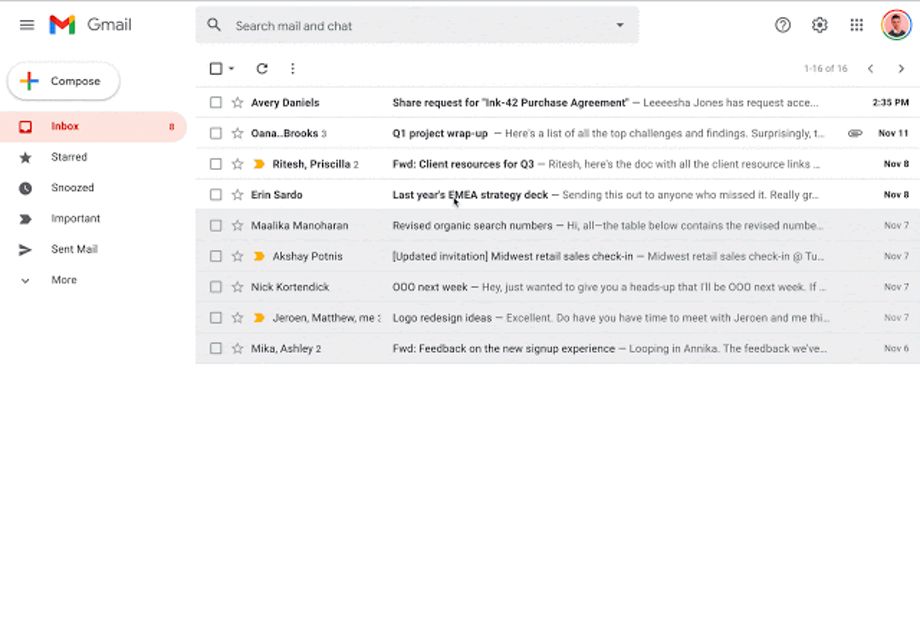 Gif Credit: Google
The dynamic email feature will be available to Gmail users on the web, on Android, and on iOS. With the addition of this new feature, the 'from' address for access request emails is changing. They will now come from drive-shares-dm-noreply@google.com.
The feature will be ON by default for the end-users with dynamic email turned on. To turn ON or OFF the feature, head over to Settings > See all Settings > Enable dynamic email > Save Changes.
Dynamic email is available for Essentials, Business Starter, Business Standard, Business Plus, Enterprise Essentials, Enterprise Standard, Enterprise Plus, Education, Enterprise for Education, and Nonprofits customers, and users with personal Google Accounts.


 Google News