



iOS users can now lock audio/video during Google Meet meeting
Google says the new settings can help prevent disruptions, keeping your meetings on track and productive.
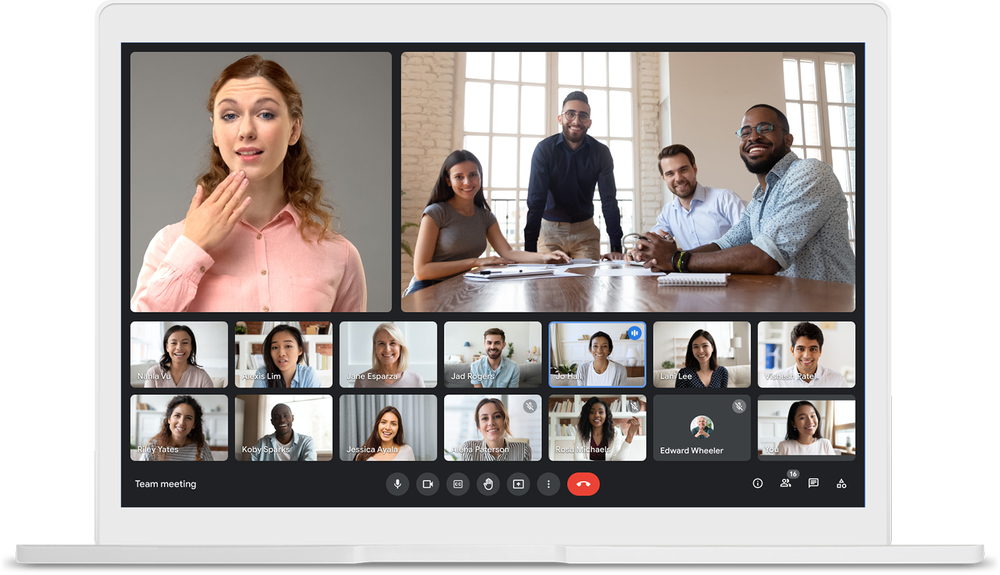
As a meeting host or co-host, you can now lock all participants' audio and video during a Google Meet meeting from your iOS device. The new settings prevent participants' from using their microphones and camera respectively.
Google says the new settings can help prevent disruptions, keeping your meetings on track and productive. This capability was previously available when using Google Meet on a computer.
The Audio Lock & Video Lock setting applies to all devices regardless of whether it's set on a computer or an iOS device. Once Audio or Video Lock is disabled, removed participants will be able to rejoin.
How to lock participants' audio/video during a Google Meet meeting?
- During the meeting, tap the screen > Menu (three-dot icon) > Host controls
- Toggle off "Turn on their microphone" to lock an audio
- Toggle off "Turn on their video" to lock a video
Once the setting is enabled, mobile participants may be removed from the meeting if their device doesn't have:
- The most updated version of the Meet or Gmail app
- Android OS version M or newer
- iOS version 12 or newer
The new feature is available to all Google Workspace customers, as well as G Suite Basic and Business customers. It is gradually rolling out and may take up to 15 days to be fully visible.
Google said that the setting to lock audio or video for all participants in Google Meet will be available for Android users in early 2022.


 Google News