

Rooms in Google Chat renamed as "Spaces" ; new features added
Spaces in Google Chat are now available to all Google Workspace customers, as well as G Suite Basic and Business customers.
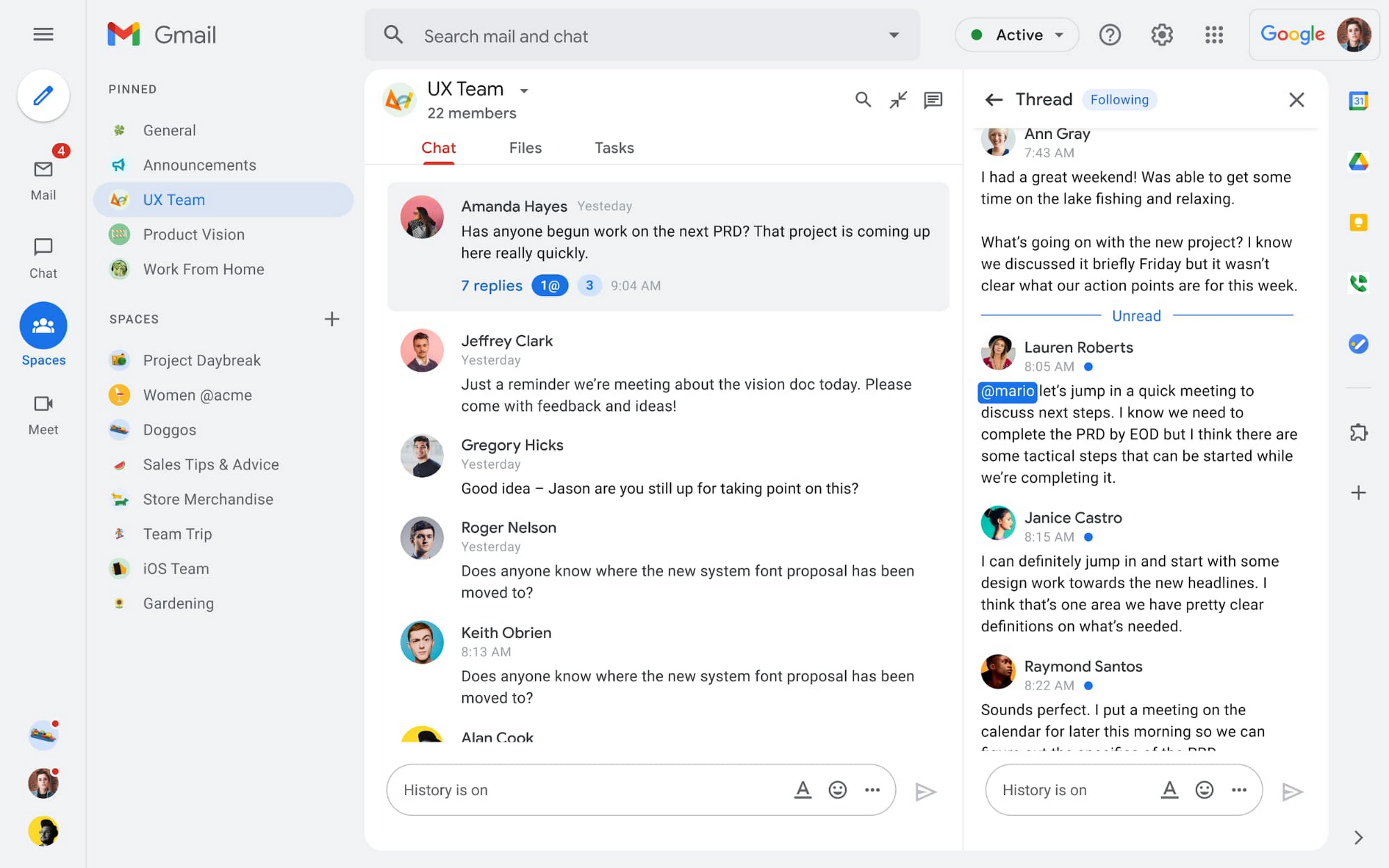
As previously announced, Google has renamed Rooms in Chat to Spaces, a dedicated place to organize people, topics, and projects in Google Workspace. If you have enabled Chat in your Gmail settings, you will now see the term Rooms automatically updated to Spaces.
In Spaces, you will notice a number of new features over the coming months. These include:
- In-line topic threading - The ability to reply to any message within a Space will drive collaboration across teams and organizations.
- Improved content search across Spaces - To easily find content from within and across Spaces, or even discover new Spaces to join
- User roles and moderation tools - Tools for content moderation, managing Spaces, and establishing the right rules for healthy communication across domains and companies
- Discoverable spaces - Spaces and their content can be made discoverable to all members of an organization, making it easier for people to find and join the conversation
- Streamlined navigation - A new streamlined and flexible user interface that helps people and groups more easily stay organized and balance focus and multitasking. You will see new left-hand navigation which surfaces critical applications like Gmail, Chat and Meet in one location.
In addition, Presence indicators, Assigned tasks, Expressive reactions, custom statuses using emojis, and GIFs and Message pinning and more features will be added to Spaces.
Spaces in Google Chat are now available to all Google Workspace customers, as well as G Suite Basic and Business customers.
"With Spaces, teams can share ideas, collaborate on documents, and manage tasks from a single place. Because all their work is preserved for future reference, team members can easily jump in and contribute at a time that works best for them, seeing a full history of the conversations, context, and content along the way," Google's senior director of product management Sanaz Ahari wrote in a blog post.


 Google News